68
ETGSAL33
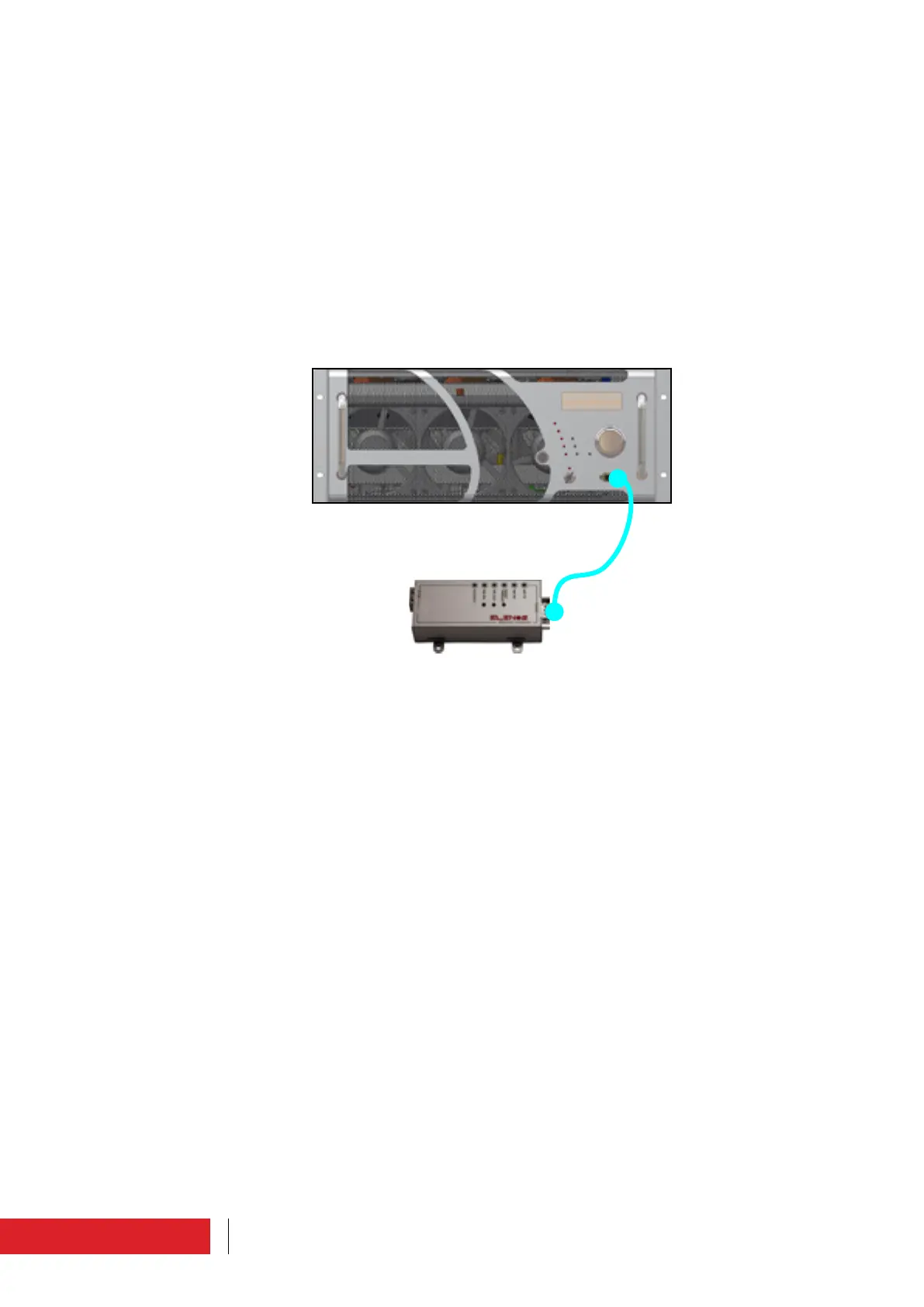
3.4.4 Connection to Elenos E.BOX module
This connection allows to have a “bridge” between the EIA485 bus of the equipment
and the
Ethernet network.
To connect to the E.BOX module, insert a standard extension cable into the “EIA485”
connector, DB9, located on the front or rear panel of the machine.
This cable is supplied with the module (Elenos code ETGSAL33).
The connection can also be made when the machine is operating.
For further information, please refer to the E.BOX module manual.
Instructions for use



 To Next Page