52
CAB0068-0
3.4 Externally connectable optional equipment
The equipment can be connected externally to the following units:
• PC
• Telemetry
• Exchange and/or Audio matrix
• Elenos E.BOX. module
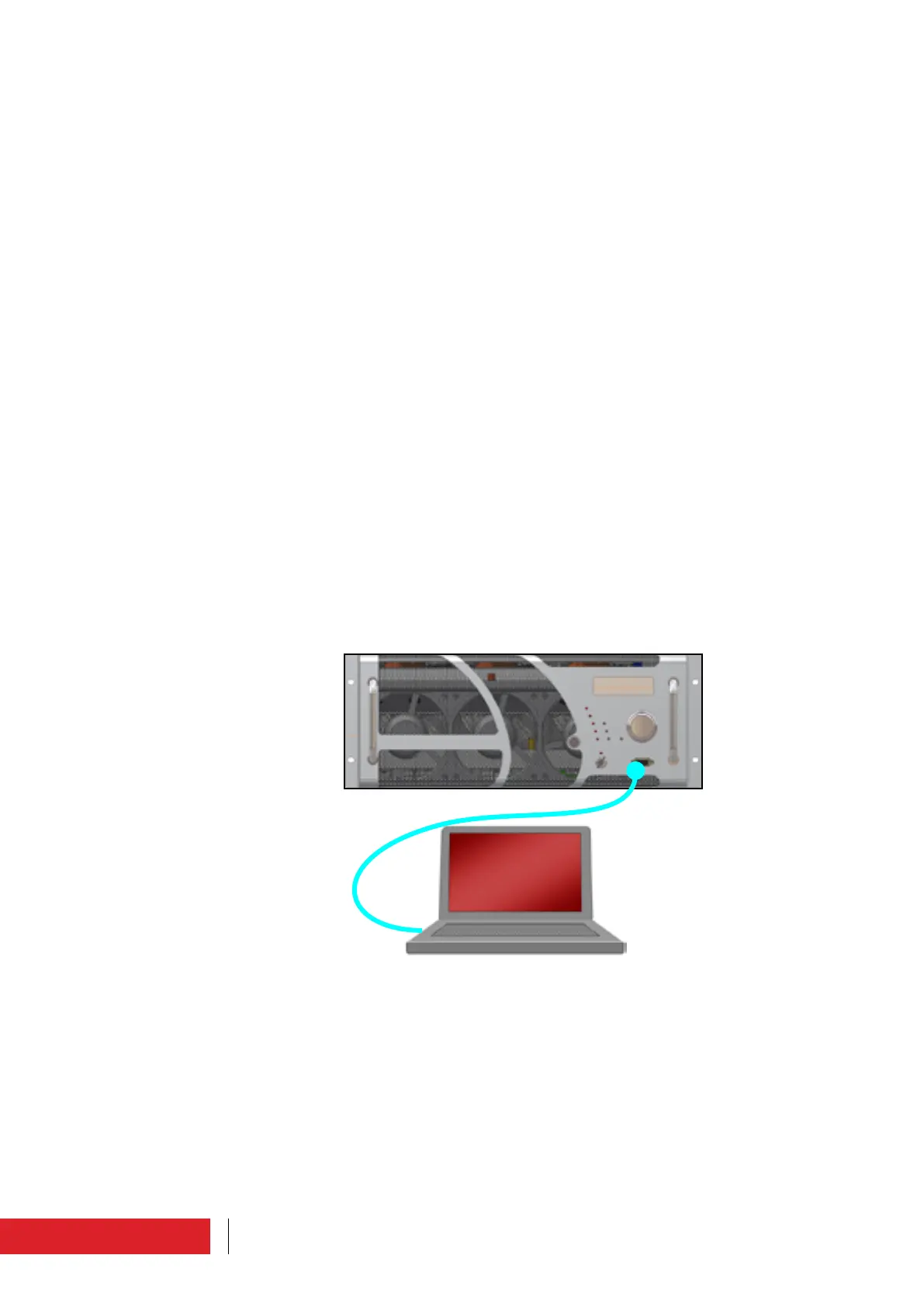
3.4.1 Connection to PC
This connection is useful to analyse the equipment operating parameters in detail, for
example during the performance assessment stage or during repairs.
To connect the equipment to a PC, insert an interface cable into the “Interface” connec-
tor, DB9, located on the front panel of the machine.
This may be supplied with the product (Elenos code CAB0068-0).
The connection can also be made when the machine is operating.
The Windows Hyperterminal programme can be used to display, or another equivalent
available programme.
For the detailed procedure for using an ASCII terminal, please request technical bulletin
No. 127 from the manufacturer.
Instructions for use



 To Next Page