39
3.1.16 System info
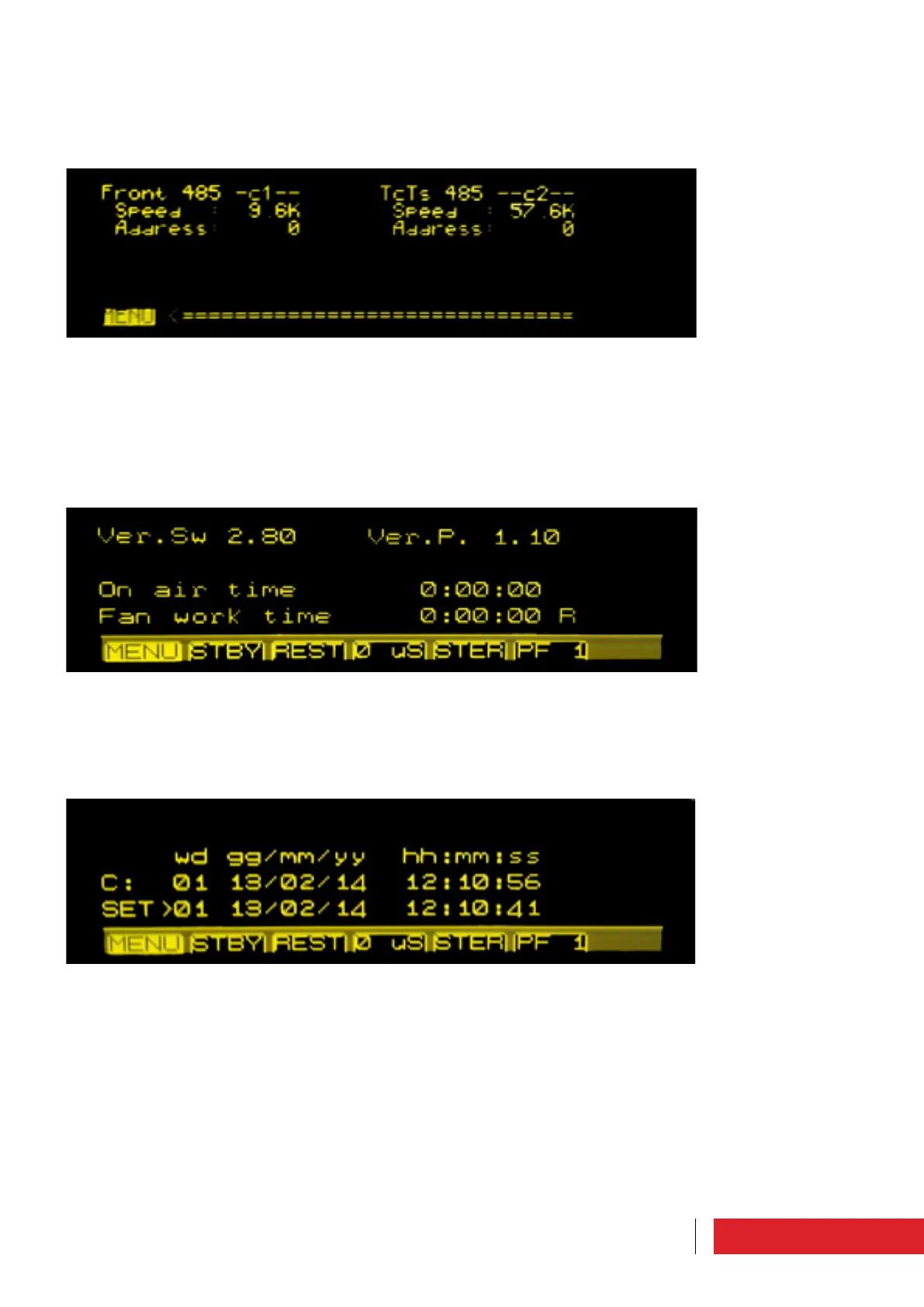
Setting and display screen.
The equipment software version, the protocol version, the equipment activity time and
the fan operating time are indicated.
It is possible to reset the latter by clicking “R”.
3.1.15 Communication port set
Setting and display screen.
The parameters which can be set by the user are the speed and the front and rear 485
door addresses.
3.1.17 System Time
Setting and display screen.
The following parameters can be set by the user: the day of the week, date and time.
Instructions for use



 To Next Page