9.8.3.2 Axis Interference Area
The axis interference area is a function that judges the current position of each axis and
outputs a signal. Once the maximum and minimum values have been set at the plus and minus
sides of the axis to define the working range, a signal indicating whether the current position of
the axis is inside or outside this range is output. (ON: inside, OFF: outside)
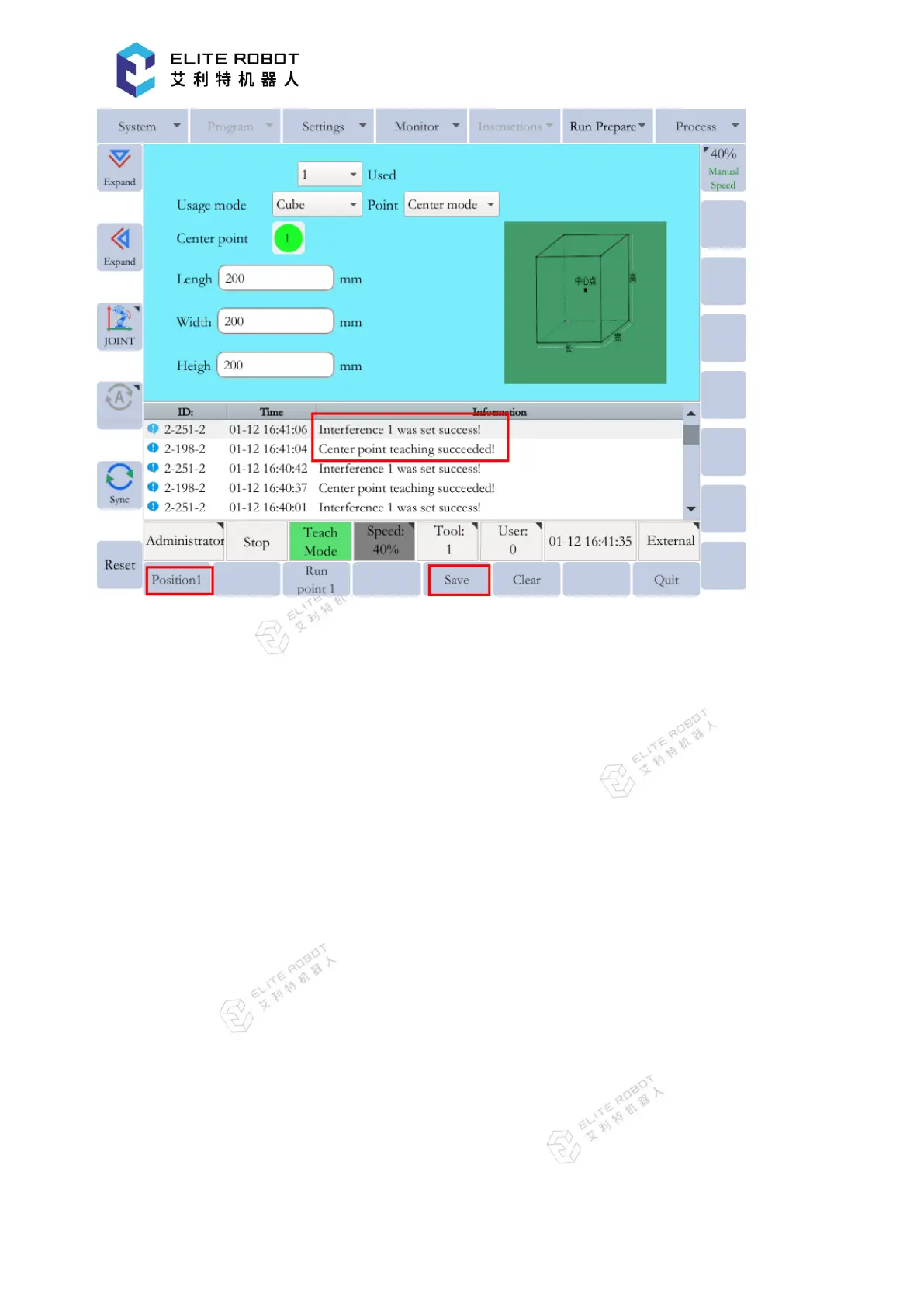
In the interference area setup page, select “Axis” for the usage mode. Then select the axis
number, and move the axis to the minimum and maximum points using the axis keys. Record the
points and press [SET] in the submenu area.


 To Next Page