Faulty operating and switch elements
© Elma GmbH & Co KG SM/Transsonic_LC/1104/D
33
8.5 How to replace the overheating protection on T310/H
This unit type is equipped with a preset thermostat as
overheating protection. The component is fixed to the side of
the tank. The preset switch-off temperature is approx. 60°C.
If the temperature rises above 70°C during operation without
cover (contact permanently closed), or if the unit does not heat
at all (contact permanently opened), the thermostat is probably
faulty.
A short circuit in the heating element can damage the
thermostat. The breakdown can also be caused by material
fatigue due to the ultrasonic activity.
At room temperature, the switch contacts are closed, i.e. an
ohm throughput can be measured.
200 000 0452
To replace the component proceed as follows:
Cause of breakdown
Measure the
component
Elma Order No.
1. Open the unit as described in section 7.
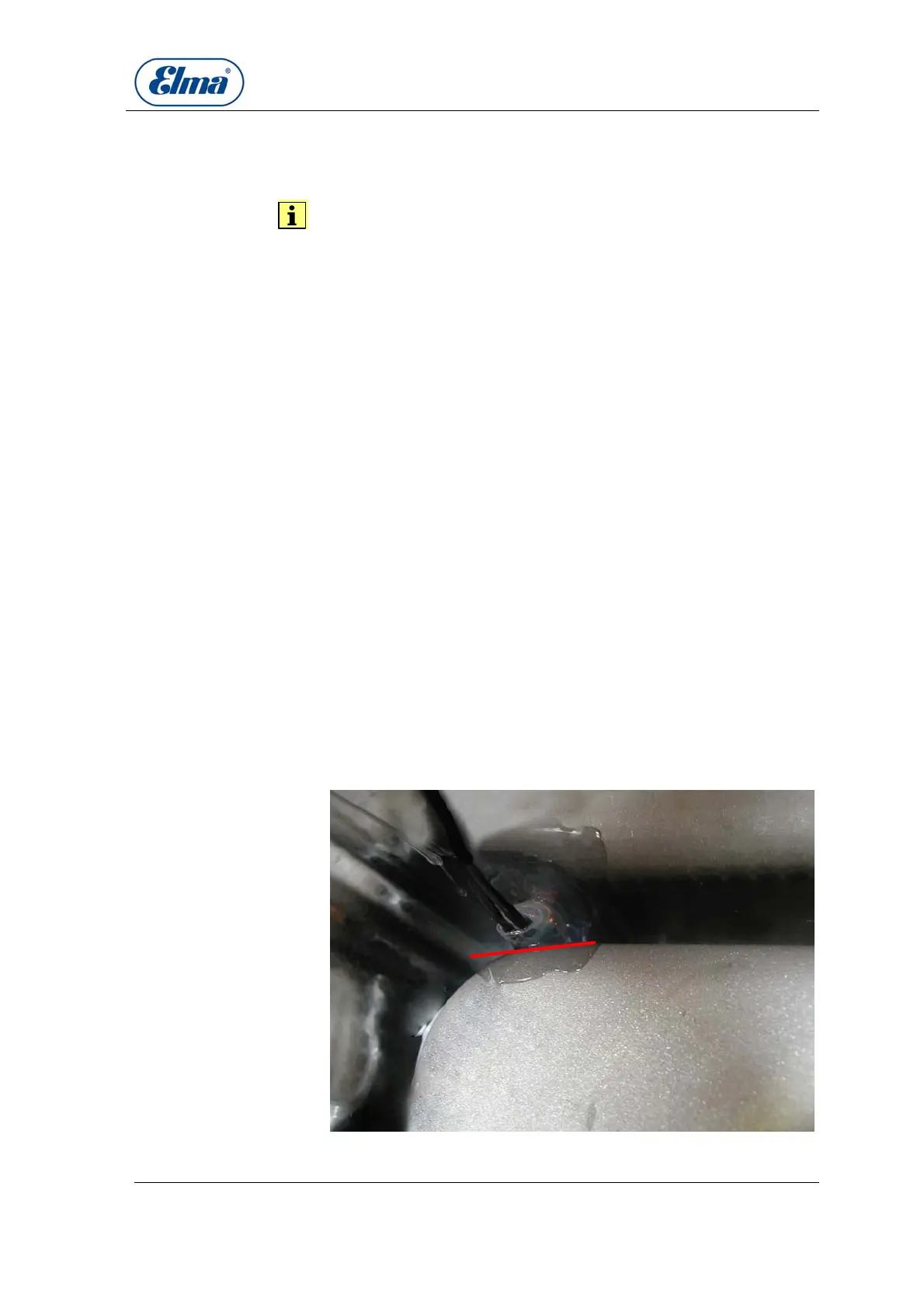
2. Cut the silicone fixation of the component with a knife.
3. Loosen the electric contacts.
4. Place the new component on the tank wall and fix it with
silicone. If necessary secure it against sliding out of its
position until the silicone has hardened.
5. Connect the electric contacts. Polarization is irrelevant.
6. After the silicone has hardened check if all connections are
correct and close the unit.
Illustration 8.5.1 Position and silicone fixation of overheating
How to proceed



 To Next Page