Icon
Name
Conditions
Selection Item
Function Explanation
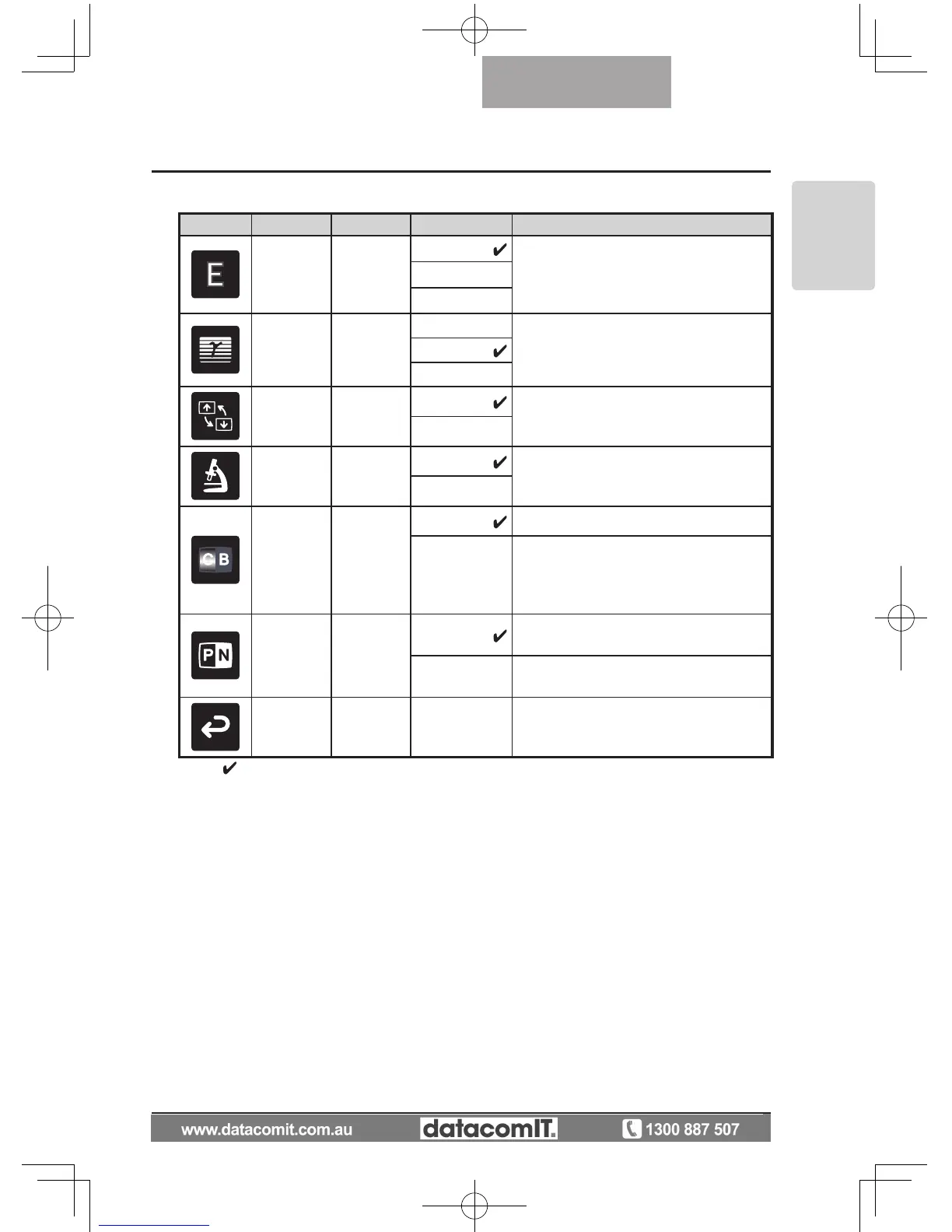
Edge Effect
Image Mode
[Graphics1]
Low
Emphasizes the outline of images mak-
ing them crisper and clearer.
Middle
High
Gamma
Image Mode
[Graphics1]
Low
To change the tone reproduction char-
acteristics of the image. (The effect
grows stronger as the number is in-
creased.)
Middle
High
Image
Rotation
Of
f
Turn ON to rotate the camera image by
180º.
On
Microscope
Off
SET to enter Microscope Shooting
mode.
Set
Color/B&W
Color To output a color camera image.
B&W
To output a black & white camera im-
age. To make the image easier to view,
select this when shooting black & white
documents etc.
Posi/Nega
Posi
To output a positive camera image.
Nega To output a negative camera image.
Back
To return to the OSD menu display top
menu.
* The "
" symbol indicates the factory settings.



 To Next Page