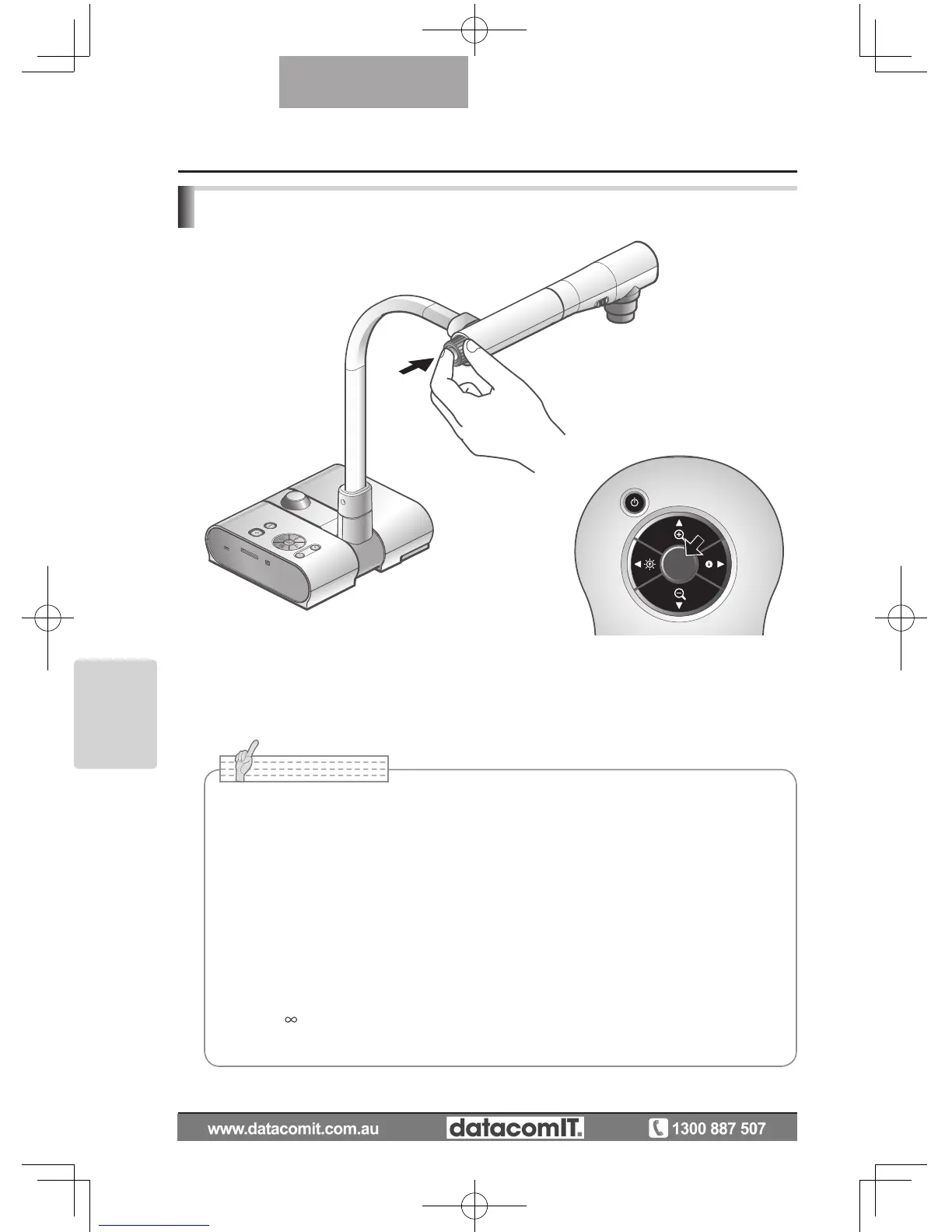
Focus
Zoom Focus
Press the [AF] button to automatically focus. This unit provides a one-shot auto-focus
system. Once the camera is focused, the auto focus operation is released, and then the
focus position is maintained.
■
• The objects listed below may not be brought into focus by the auto focus. In such
cases, use the manual focus.
• Low contrast objects
• Objects with fine r
epeated patterns, such as lateral stripes and criss-cross stripes
• Objects glittering or r
eflecting strong light
• Objects with a bright backgr
ound or excessive contrast
• Objects that ar
e entirely dark
• Objects located near and far away at the same time
• Objects in motion
• Focus range
50mm -
(2.0 in x ) from lens top
• In SD mode, digital zoom settings for SD images can be r
eset.



 To Next Page