n
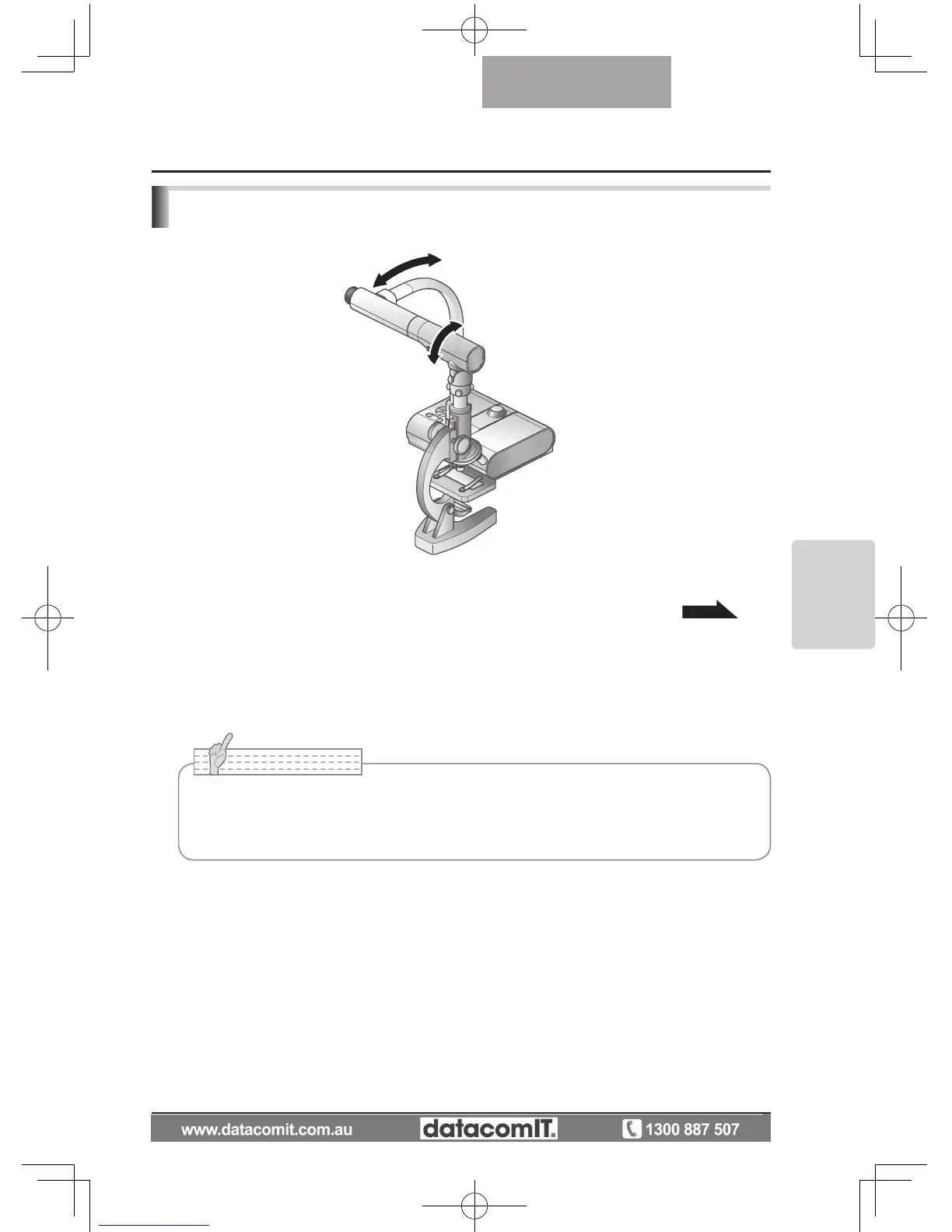
Setting a microscope
Place an object such as a prepared slide on the microscope, and then look into the
microscope and adjust the focus.
Install the supplied microscope attachment.
P.45
n
Setting the main unit
Connect the main unit to a projector or a PC monitor and then turn on the power for the
main unit.
n
Changing to Microscope mode
From the OSD, select [Microscope] → [Set].
n
Adjusting the focus
The [AF] button on the main unit or on the remote control focuses the camera on the object.
n
Adjusting the brightness
Adjust the brightness with the mirror on the microscope.
Presentation using a Microscope
• Be careful not to hit the main unit lens with the microscope attachment.
• When changing to microscope mode, [Graphics1] is automatically selected as the
[Image Mode].



 To Next Page