Setting Up
1
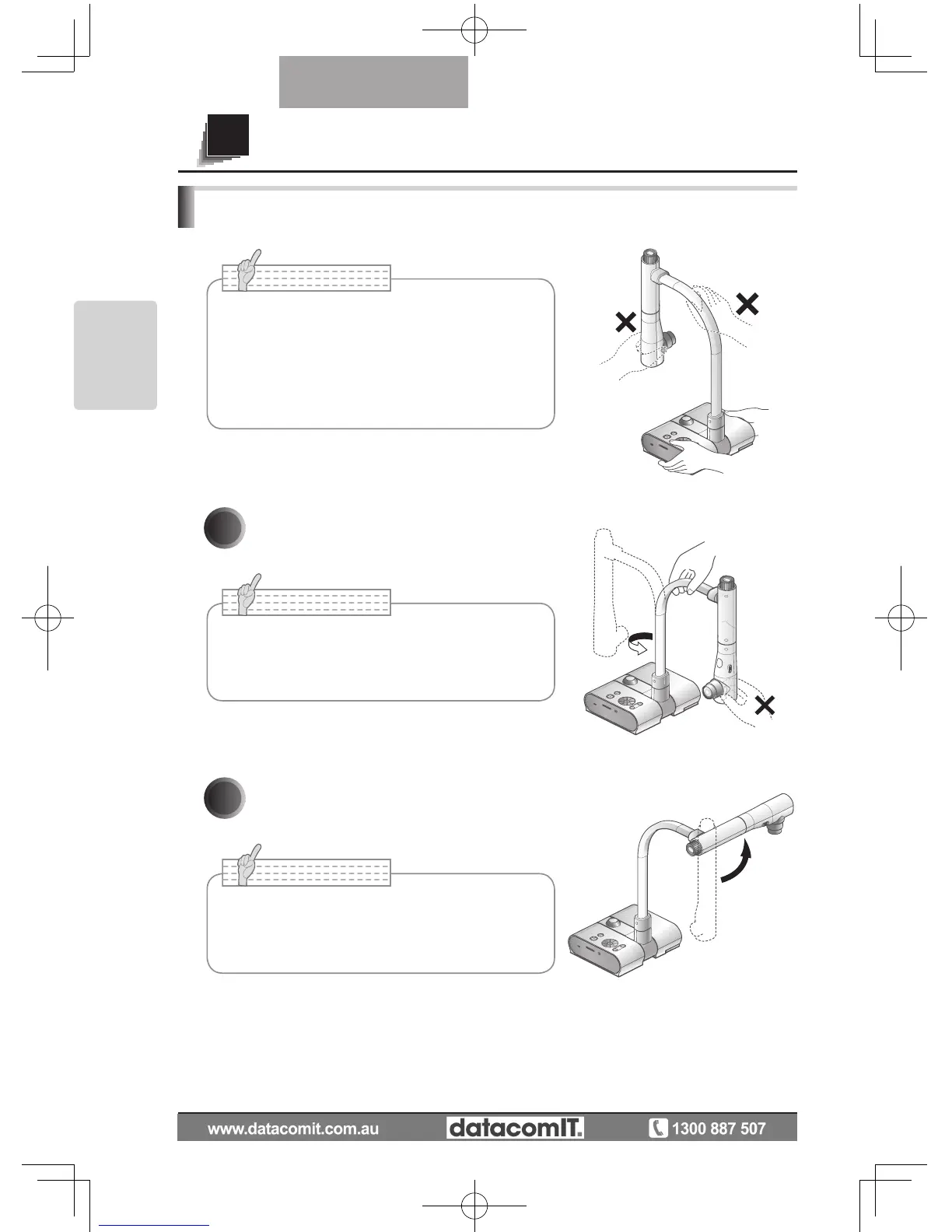
Tu rn t he ca m er a c o lu mn in t he
direction shown in the figure.
2
Rotate the camera head.
•
Never turn the column in the opposite direction.
•
Be sure to hold the column when turning it.
Never hold the camera head.
• Carry the product by holding the lower part
of the main unit in both hands. Never hold the
product by the column or the camera head.
• Pay
attention to prevent the camera head from
knocking against a desk or the like.
SETTING UP
• Proper set up position of the camera head is
as shown in the figure on the right. Never apply
excessive force to the camera.



 To Next Page