n
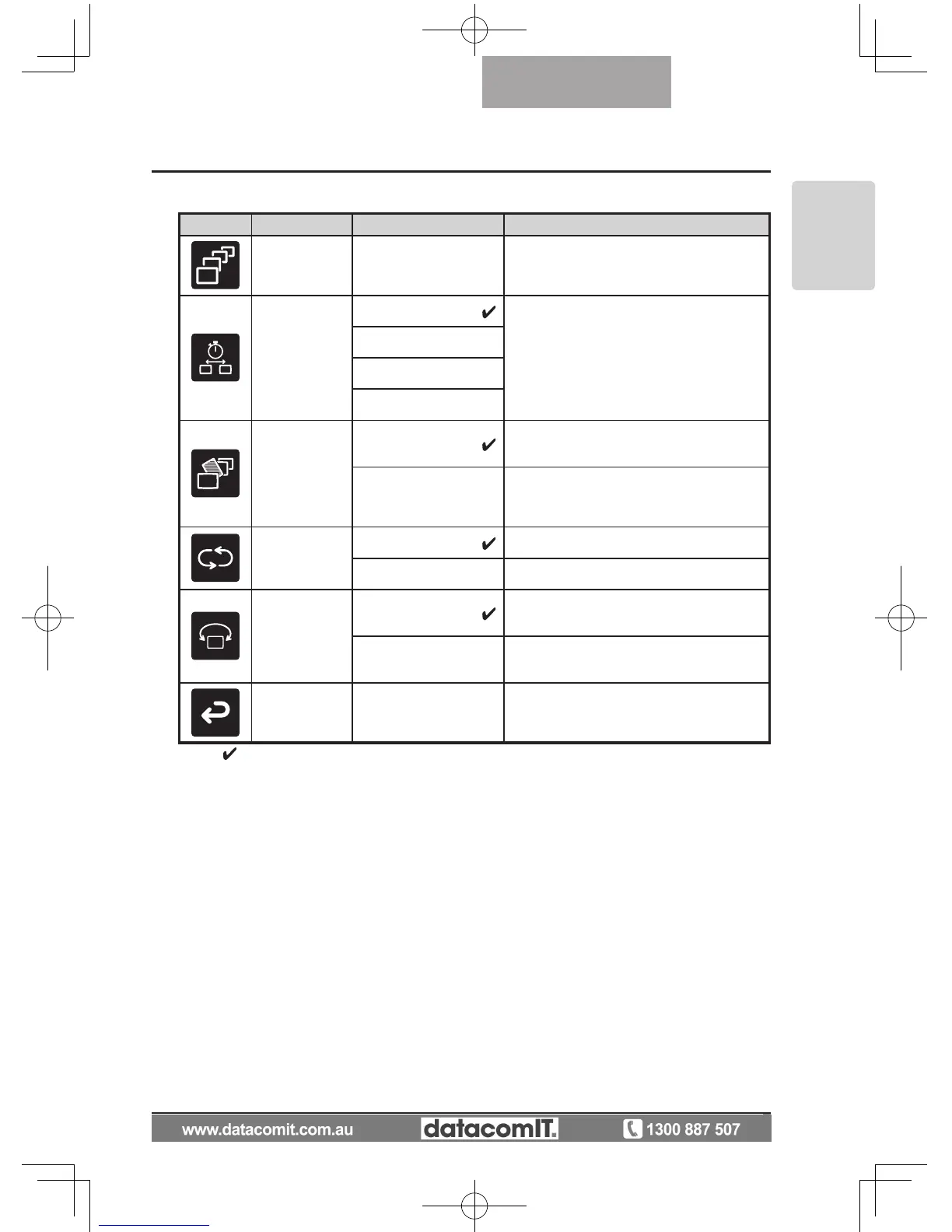
Slide Show Menu
Icon
Name Selection Item Function Explanation
Start Slide
Show
To start a slide show.
Interval
5sec
The image changes at the interval set
when a slide show is performed.
10sec
15sec
30sec
Select
All
To use all images stored on the SD card
for the slide show.
Locked Only
To use only locked images from the im-
ages stored on the SD card for the slide
show.
Repeat
Off The slide show is only shown once.
On The slide show is repeated.
Order
Forward
To give a slide show in ascending order
of serial No.
Backward
To give a slide show in descending order
of serial No.
Back
To return to the OSD menu display top
menu.
* The "
" symbol indicates the factory settings.



 To Next Page