Chapter 2 37
Removing BIOS Passwords:
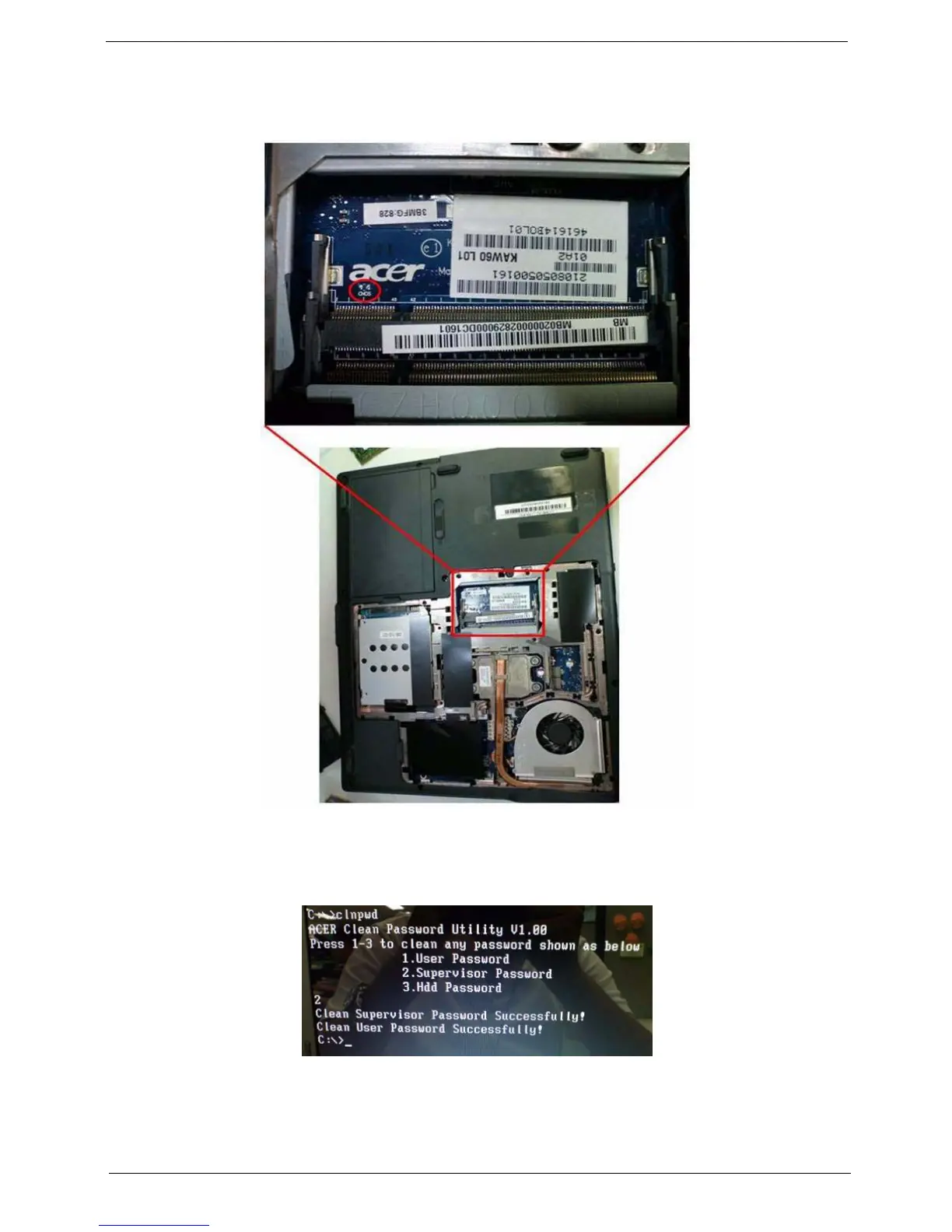
To clear the User or Supervisor passwords through hardware, open the WLAN door and use a metal
instrument to short the J1 jumper.
Cleaning BIOS Passwords
To clean the User or Supervisor passwords using software utilites, perform the following steps:
1. From a DOS prompt, execute clnpwd.exe
2. Press 1 or 2 to clean the desired password shown on the screen.












 To Next Page