68 Chapter 3
Removing the Right Speaker Module
1. See “Removing the Upper Cover” on page 61.
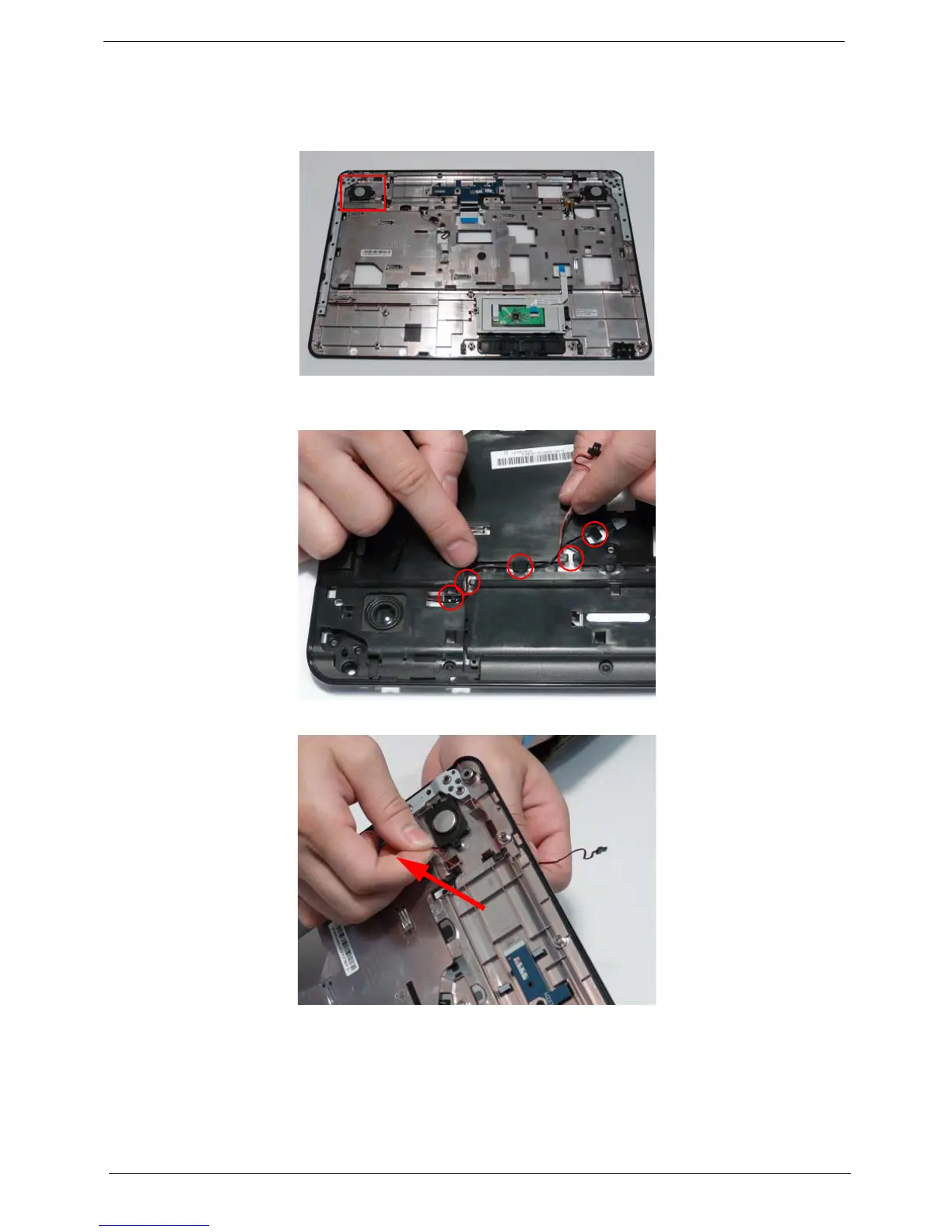
2. Locate the Right Speaker Module on the Upper Cover as shown.
3. Turn the Upper Cover over and remove the Right Speaker Module cable from the cable channel. Ensure that
the cable is free from all cable clips.
4. Turn the Upper Cover over and pass the cable through the cover as shown.












 To Next Page