9
Getting Started
Your information is used to create an account on the
tablet. You can use this account to create, modify, or
remove other accounts on your tablet.
The lower left corner of the lock screen.
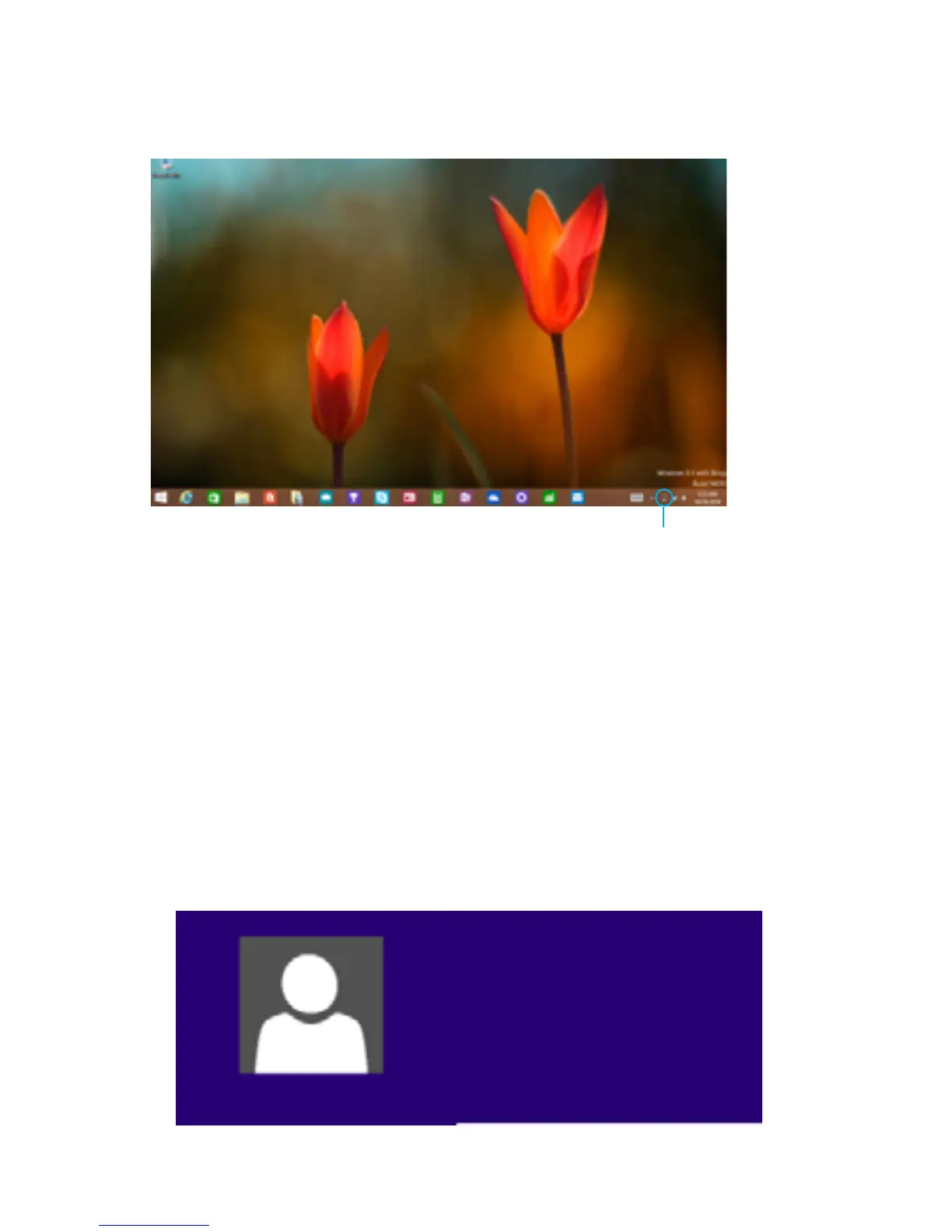
The lower right corner of the Desktop taskbar.
Attention: Plug your tablet into the charger when
you see a low battery warning.
Battery Status
Ema Tic
ematic@ematic.com



 To Next Page