28
Change Your Password
Lock or Sign Out
1. Open the Settings Charm. Tap Change PC Settings.
2. Tap Accounts. Then Tap Sign-in options.
3. Choose user accounts from search results.
3. Under password, tap Change and follow the on-
screen instructions.
Your tablet will be automatically locked when you
don’t use it for awhile.
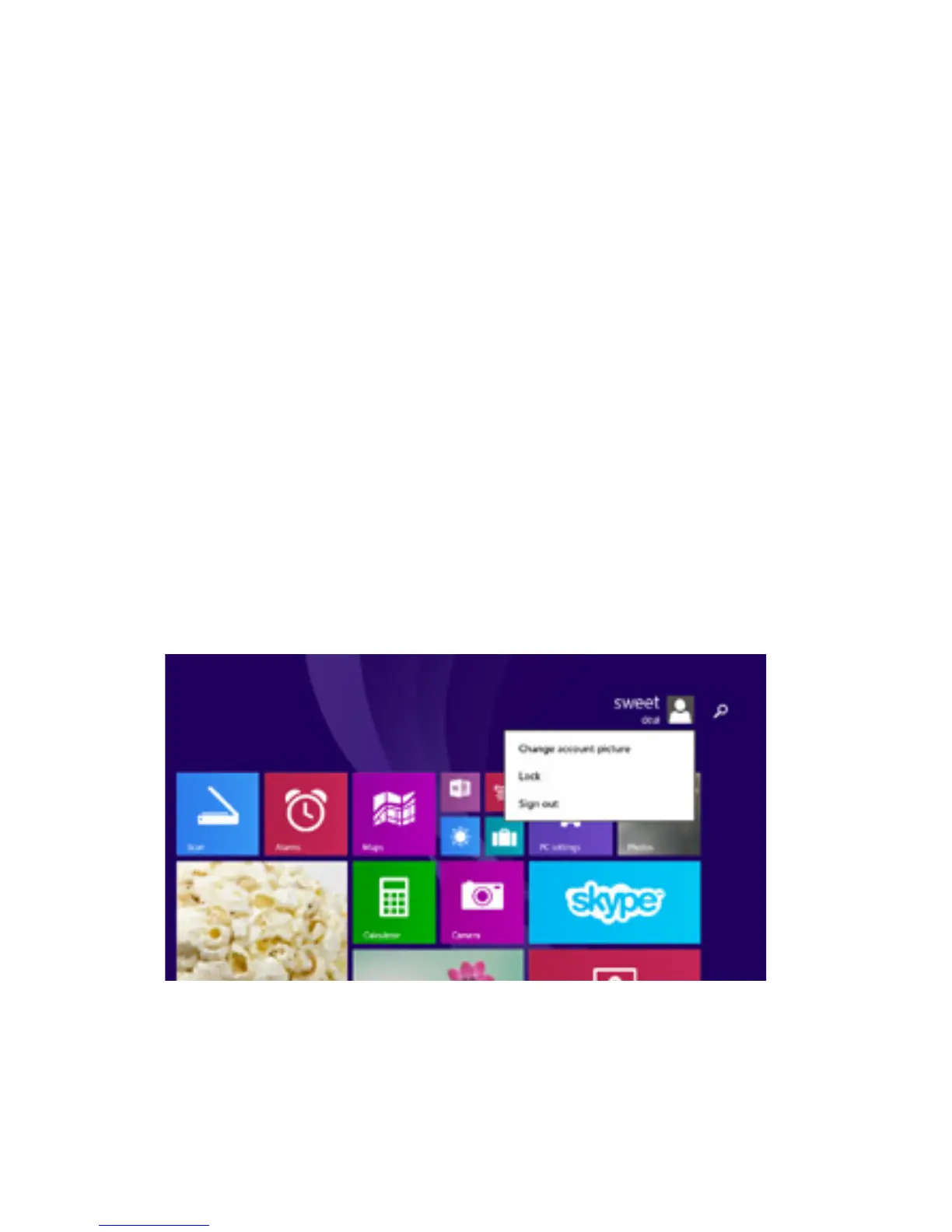
You can manually lock or sign out from the Start
screen by tapping your account picture in the top
right corner of the screen. Choose Lock or Sign
Out.



 To Next Page