26
Microsoft Account or Local Account
Manage Your Accounts
User Accounts
Choose whether you want to use a Microsoft account
or a local account.
Your user account controls how you use your tablet.
When you want to use your tablet, sign in with your
user account.
Microsoft Account
Local Account
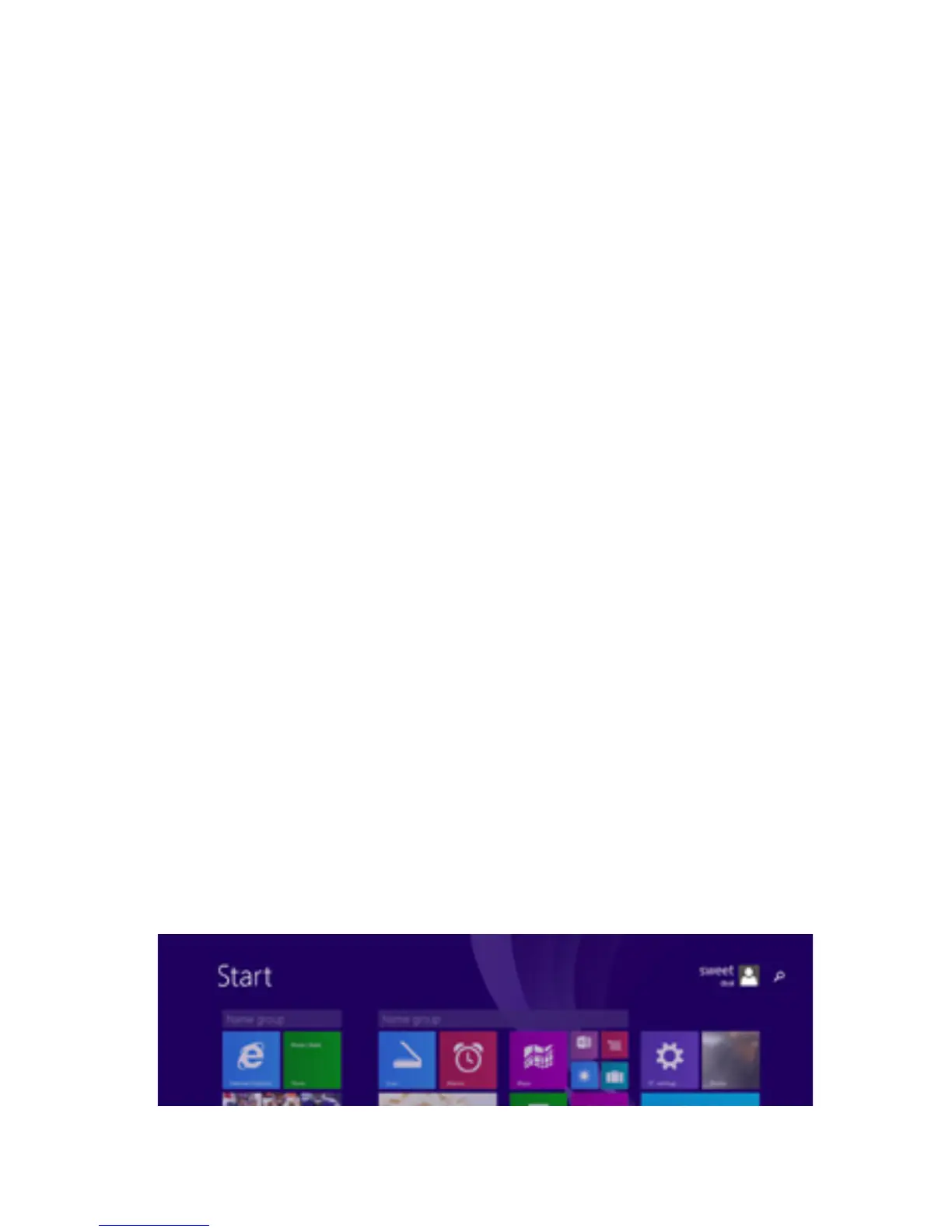
PC Settings
You use this account to sign into Windows, and shop
forappsintheWindowsStore.Allyourlesarealso
saved to OneDrive by default so that you can access
them from any PC.
You can only use a local account on your tablet and
cannot connect to the cloud.
There are two ways you can manage your accounts:
1. Open the Settings Charm and tap Change PC
Settings.
2. Tap Accounts. Then Tap Other Accounts.
8.



 To Next Page