19
7.
Apps
Find Apps
Switch Between Open Apps
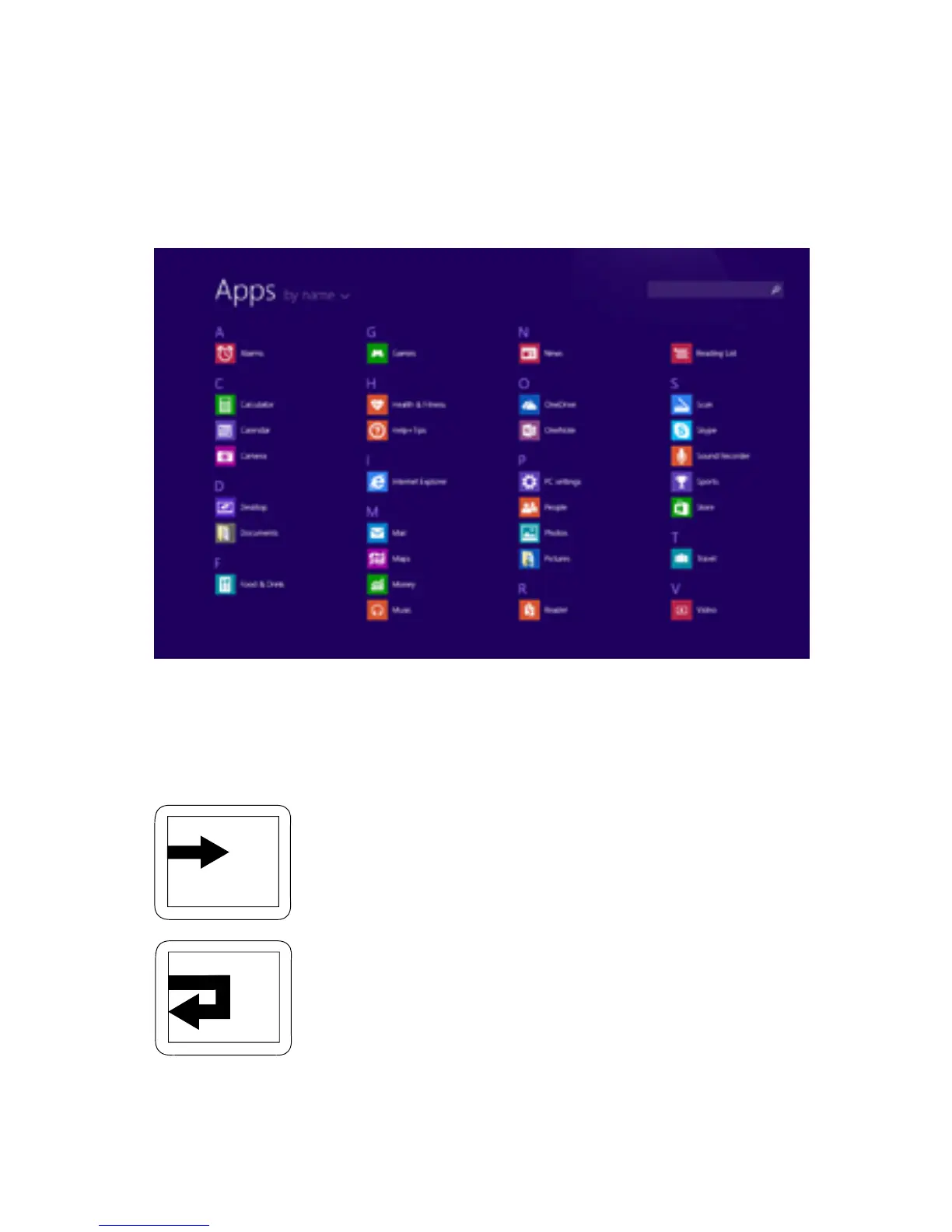
Swipe up from middle of Start screen. A list of your
apps will appear. Scroll through the list or search to
ndanapp.
Note:YoucanalsoopentheSearchcharmtond
an app.
Touch: Swipe in from left edge of screen.
Touch: Drag in from left edge of screen,
then drag out. Choose the app you want
to open.
Go Back To Previous App
Go To Specic App



 To Next Page