18
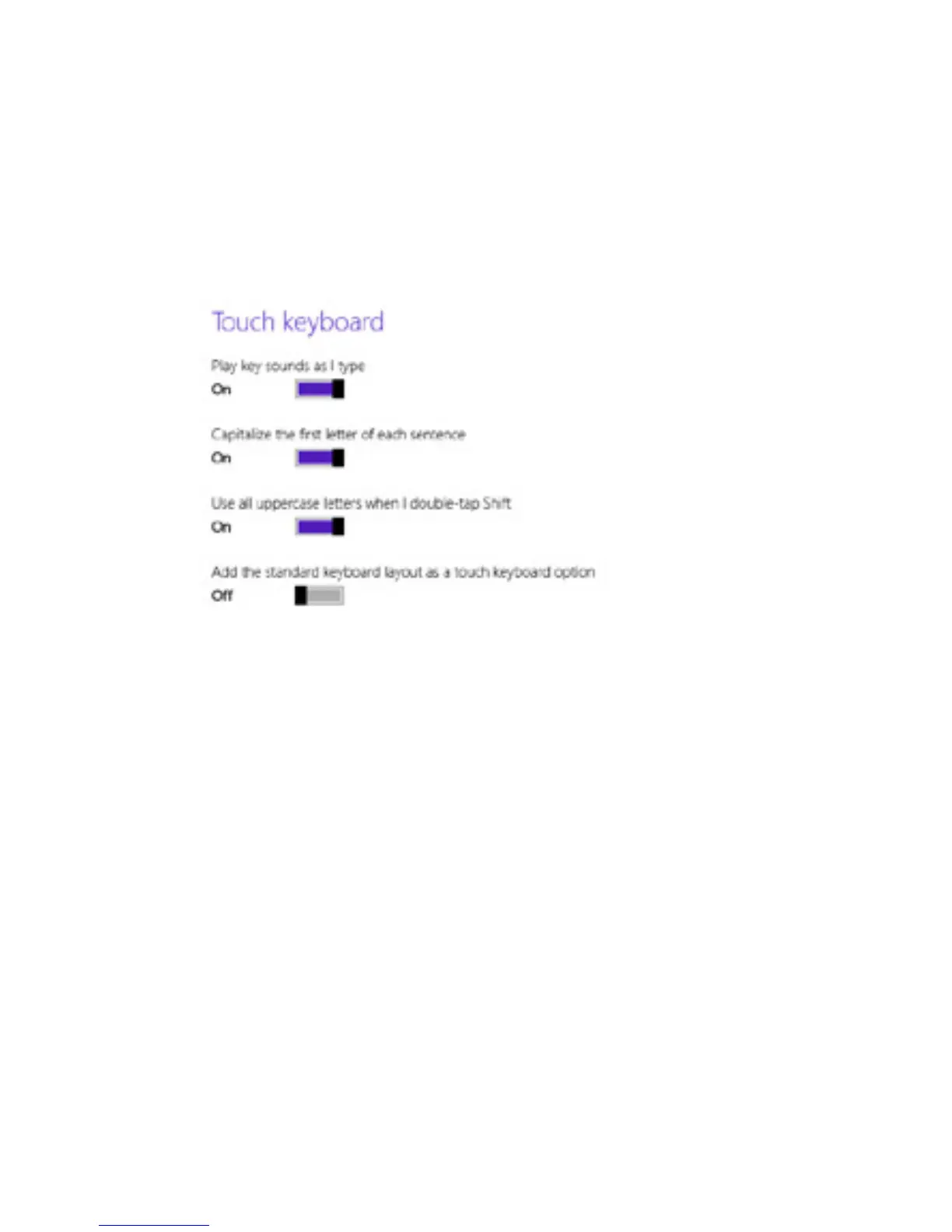
Access On-Screen Keyboard Settings
On-Screen Keyboard Tips
1. Open settings charm.
Numbers Tap &123 key or swipe
upwards on the buttons on
the top row.
Tap Ctrl key + another
key that shows a shortcut
option.
Double-tap Up Arrow Key.
The key should turn white
when Caps Lock is on.
Press down a key. Slide
yourngertotheaccented
character or option you
want.
Diacritical Marks/
More character
options
Keyboard Shortcuts
Caps Lock On/Off
2. Tap Change PC settings.
3. Tap PC and devices. Tap Typing.
4. Change your on-screen keyboard settings under
Touch keyboard.



 To Next Page