30
11.
Tips & Tricks
Extending Battery Life
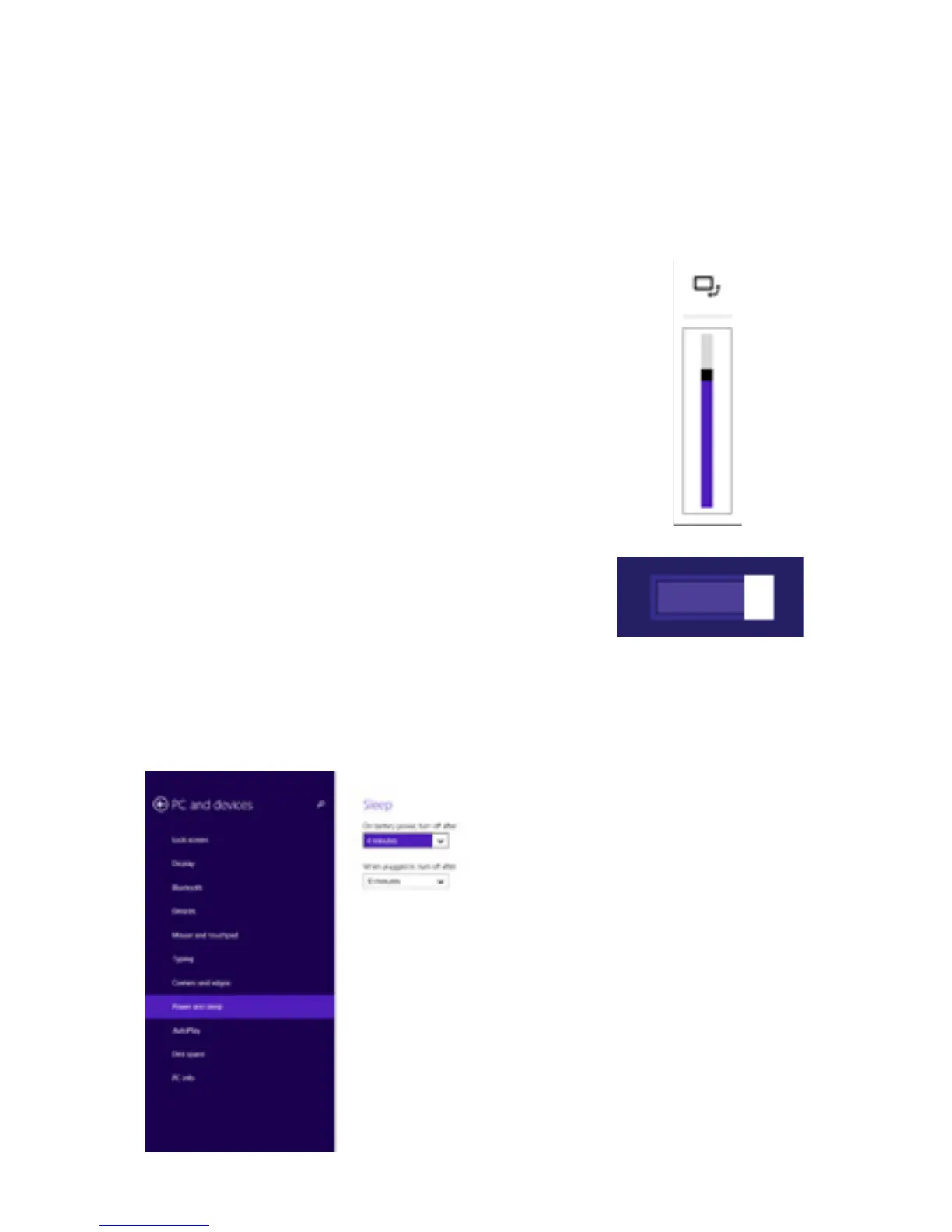
Reducing the Brightness of your screen can help extend
your battery life.
You can also adjust your power and sleep settings
to save battery.
Switch off Wi-Fi if you’re
not close to a strong signal.
1. In the Settings Charm, Tap Screen.
2. Drag the slider to adjust brightness.



 To Next Page