12
Personalize your Lock Screen
Notications
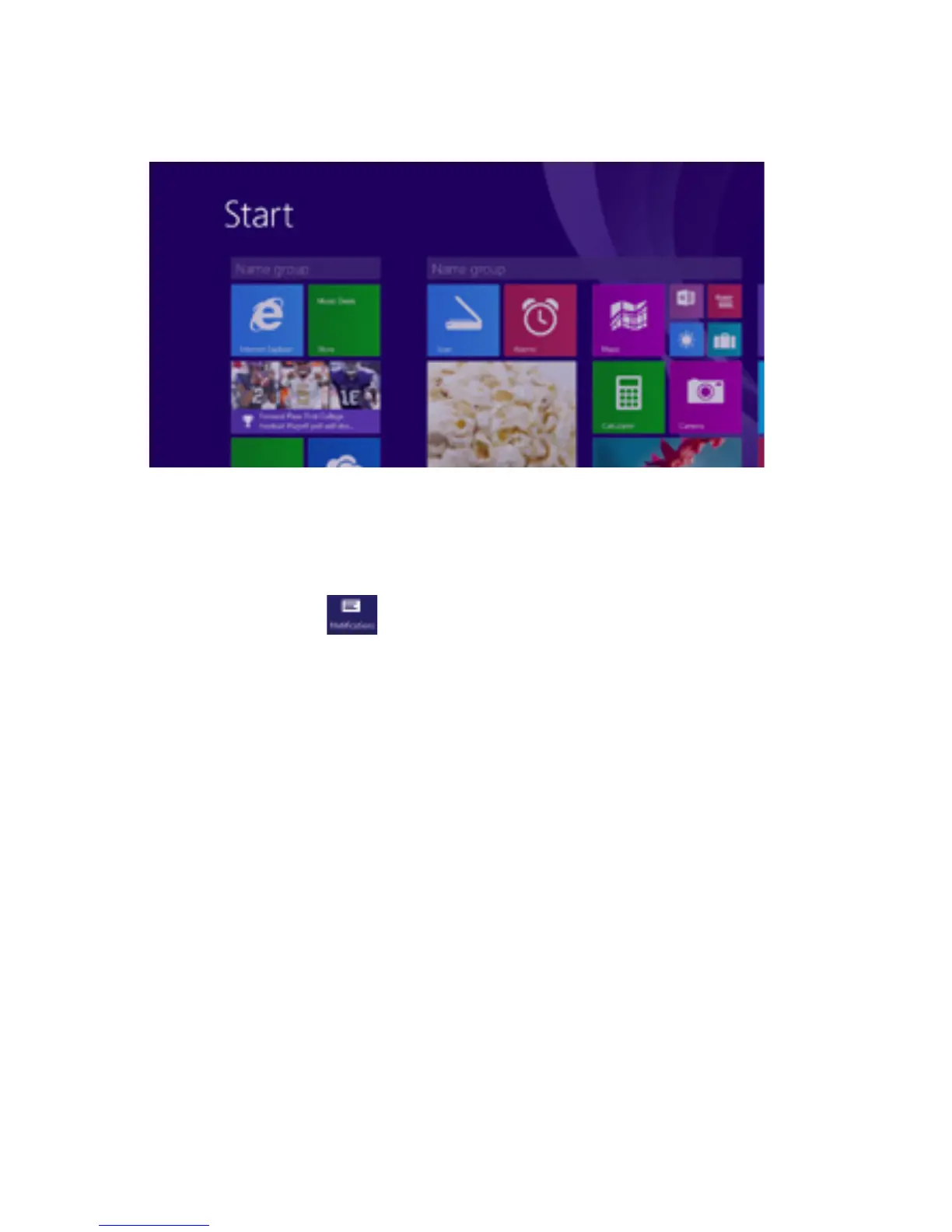
Open the Settings Charm. Tap Change PC settings.
Tap PC and devices. Then Tap Lock Screen.
Noticationsshouldappearinthetoprightcornerof
thescreen.Tohidenotications,opentheSettings
charmandtapnotications.
Tochangemorenoticationsettings,tapChangePC
settings in the Settings charm. Tap Search and apps,
thentapNotications.
Lock Screen Notications: Toeditappnoticationson
the lock screen, tap Change PC Settings in the Settings
charm, Tap PC and Devices, then Tap Lock Screen.
Personalize your Desktop
Customize your desktop how you want it.
Go to the desktop and open the Settings Charm. Tap
Personalization. Here you can change the theme,
desktop background, colors, and sound.



 To Next Page