31
1. In the Settings Charm, tap on Change PC Settings.
1. In the Settings Charm, tap on Change PC Settings.
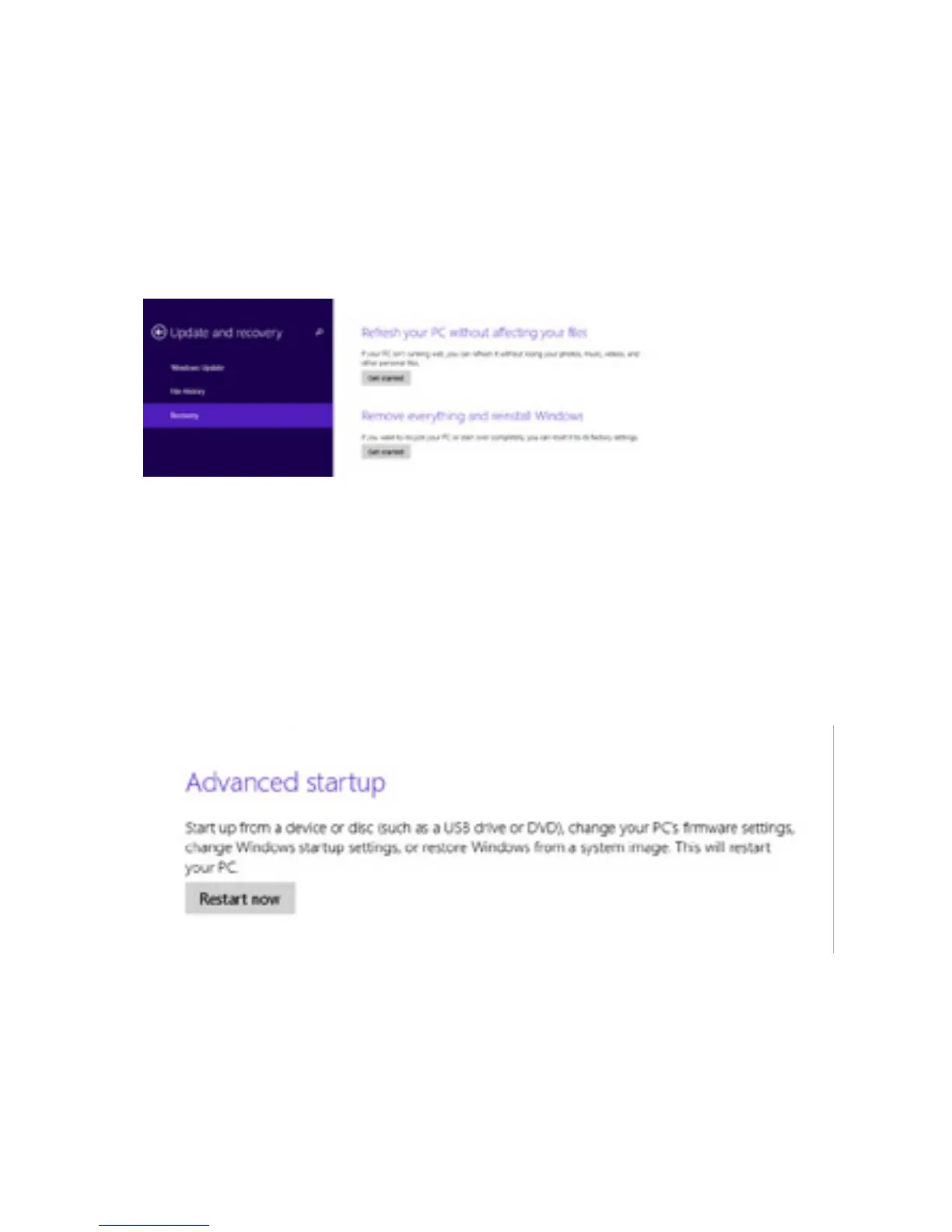
2. Tap on Update and recovery. Tap Recovery.
2. Tap on Update and recovery. Tap Recovery.
2. Choose how you want to refresh the tablet.
2. Choose “Remove everything and reinstall Windows.
Refresh/Reset
Refresh Device
Reset Device
Warning: Resetdeletesallyourpersonallesand
settings. The tablet restores to its factory settings.
12.



 To Next Page