EasyManua.ls Logo

Ematic EWT716 - Section 3: Personalize Your Tablet; Personalize Your Start Screen; Create Tiles

Ematic EWT716
35 pages
Print Icon
To Next Page IconTo Next Page
To Previous Page IconTo Previous Page
Loading...
10
3.
Personalize Your Tablet
Personalize Your Start Screen
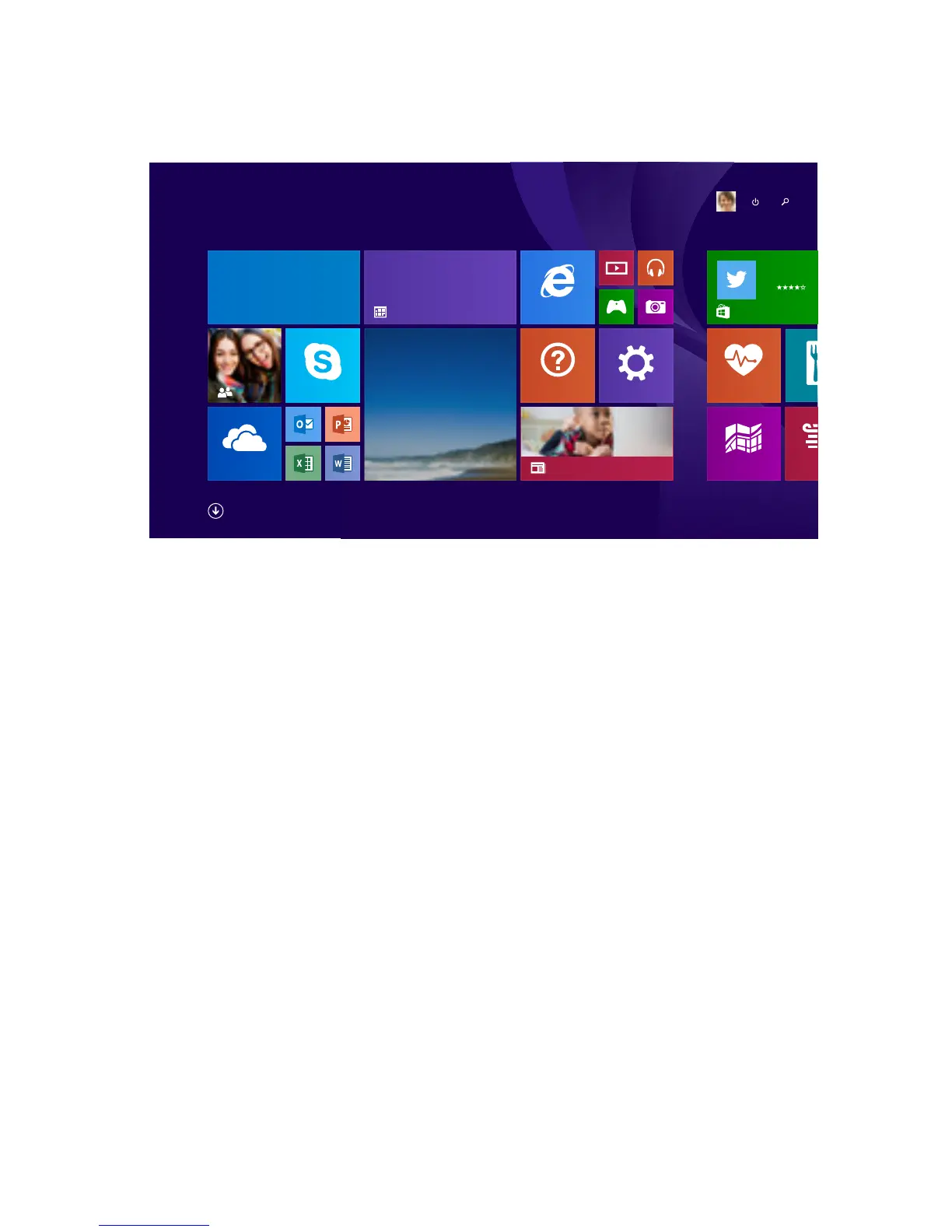
Create Tiles
Pin your favorite apps, websites, and contacts to the
Start Screen.
To pin a website:
1. Go to website.
2. Swipe down from top edge of screen.
3. Tap Favorites button. Then tap Pin button.
4. Tap Pin to Start.
To pin an app:
1. Swipe up from Start Screen.
2. Press and hold an app, then select Pin to Start.

Reading List
Maps
Innovative ways to teach computers
to kids
OneDrive
Health & Fitness
Food & Drink
Internet Explorer
Los Angeles
Sunny
Today
18°/11° Mostly sunny
Tomorrow
20°/12° Partly sunny
20°
Weather
Skype
Twitter
Essential App
Free
8,628
Settings
Oce hours
Sheila’s oce
930 AM — 1030 AM
9
Wednesday
RE Pick up the kids on Thursday?
That sounds great. See you then!
Mail 5
Regina Roberts
Help + Tips
Sheila
Marchand

Other manuals for Ematic EWT716

Related product manuals