11
To pin a contact:
1. Open People app and select a contact.
2. Swipe down from top edge of screen.
3. Tap Favorites button. Then tap Pin button.
4. Tap Pin to Start.
Customize Your Tiles
Background & Color
Customize your start screen by changing around the
tiles any way you like.
You can also customize the Start screen colors and
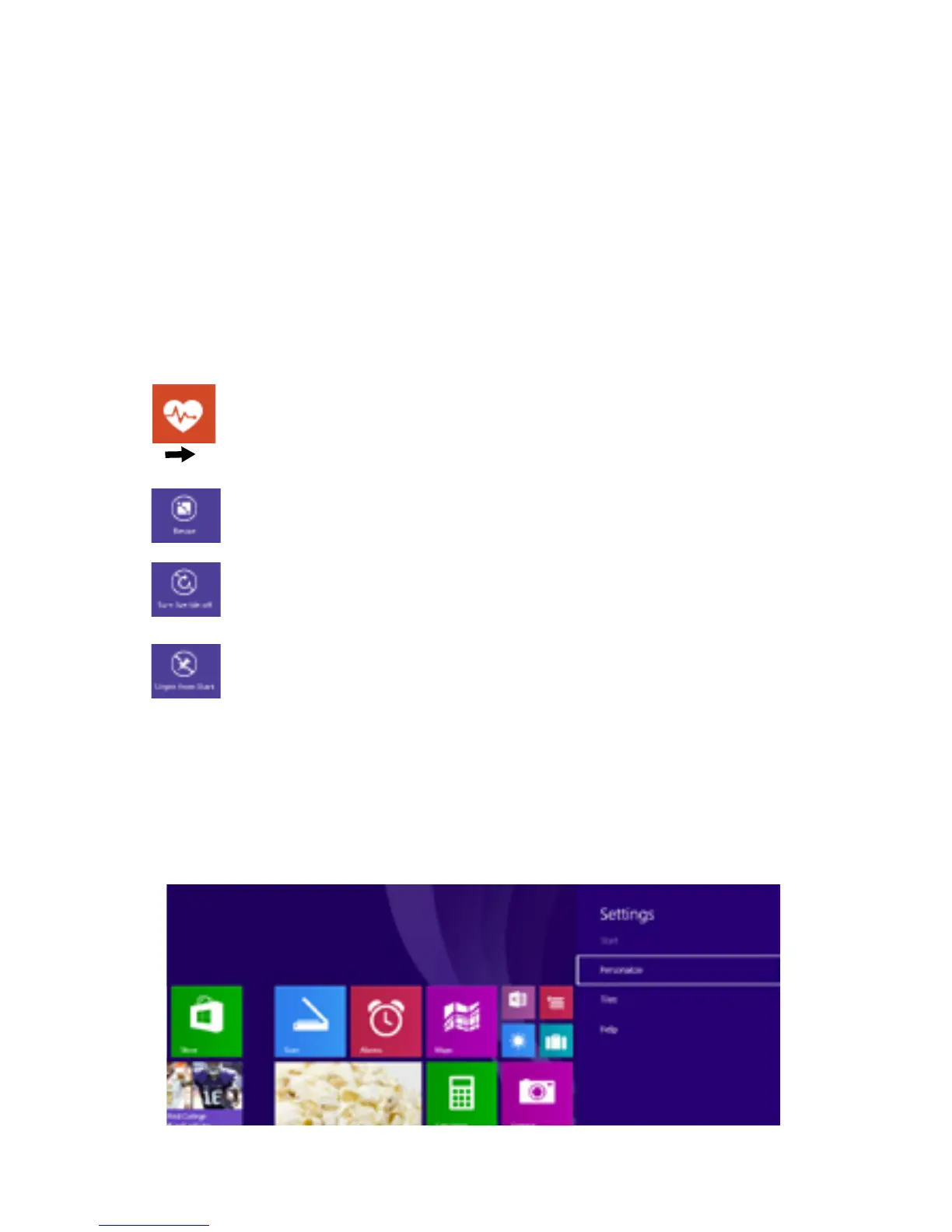
background. At your Start screen, open the Settings
Charm, and tap Personalize.
To resize a tile: Press and hold a tile. Select
Resize. Choose the size you want.
To move a tile: Tap and drag to where you
want it.
To turn off a live tile: Press and hold a tile.
Select Turn live tile off.
To unpin tile from Start: Press and hold a
tile. Select Unpin from Start.



 To Next Page