7
2.
Initial Setup
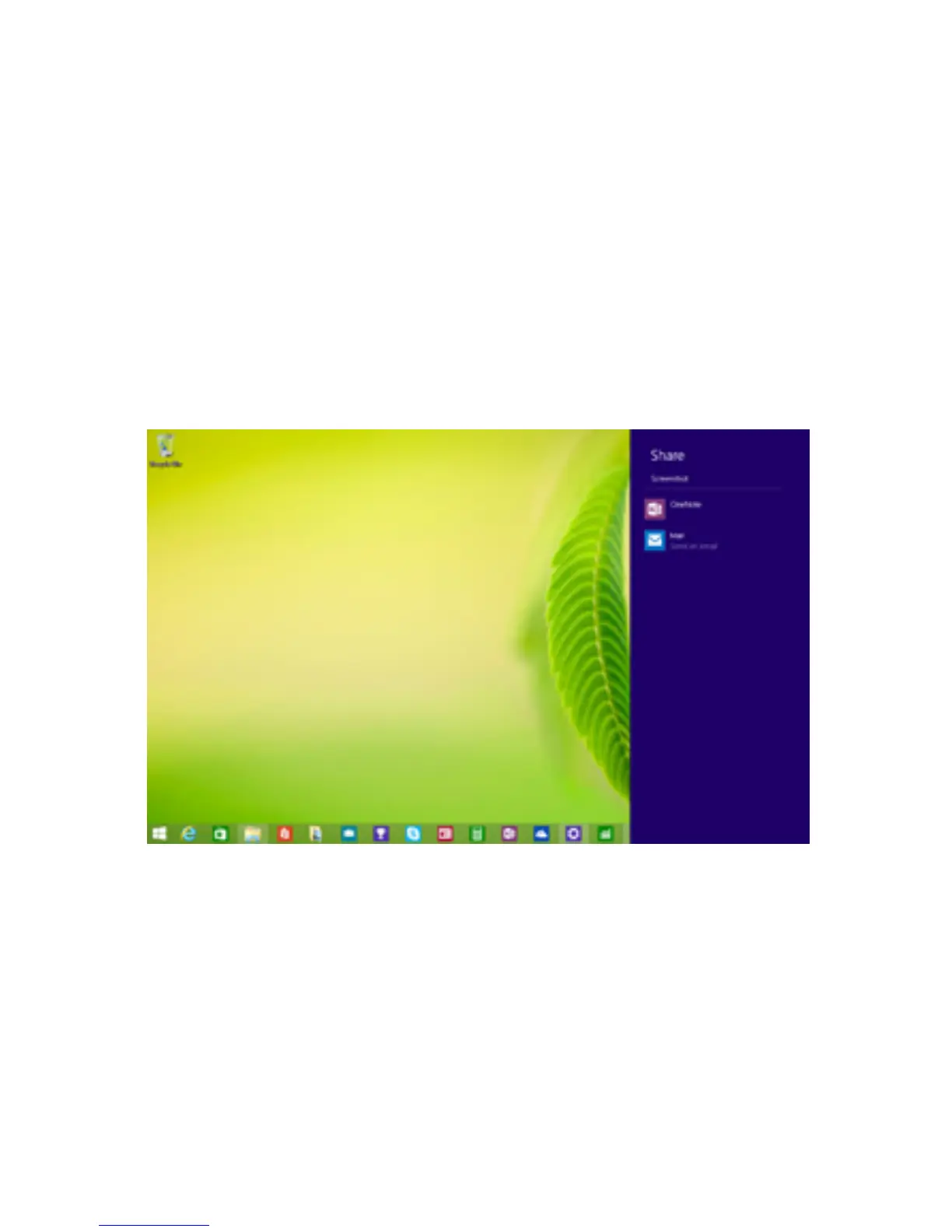
Take a Screenshot
To take a snapshot of your screen:
1. Open the share charm.
2. Underneath Share, tap Screenshot.
3. Choose how you want to share your screenshot. You
can share via mail, facebook or save it to OneNote.
Note: Sometimes the Screenshot option doesn’t ap-
pear, depending on what app you are in. Just tap the
rstbuttonunderneathShare,andtheScreenshotop-
tion will appear.
Turn on or Wake
To turn on your tablet, press and hold the power key
for 2 seconds.
Once the screen loads, connect to your Wi-Fi network.
To wake, press the power button and the lock screen
should appear. Swipe up to unlock and sign in.



 To Next Page