6
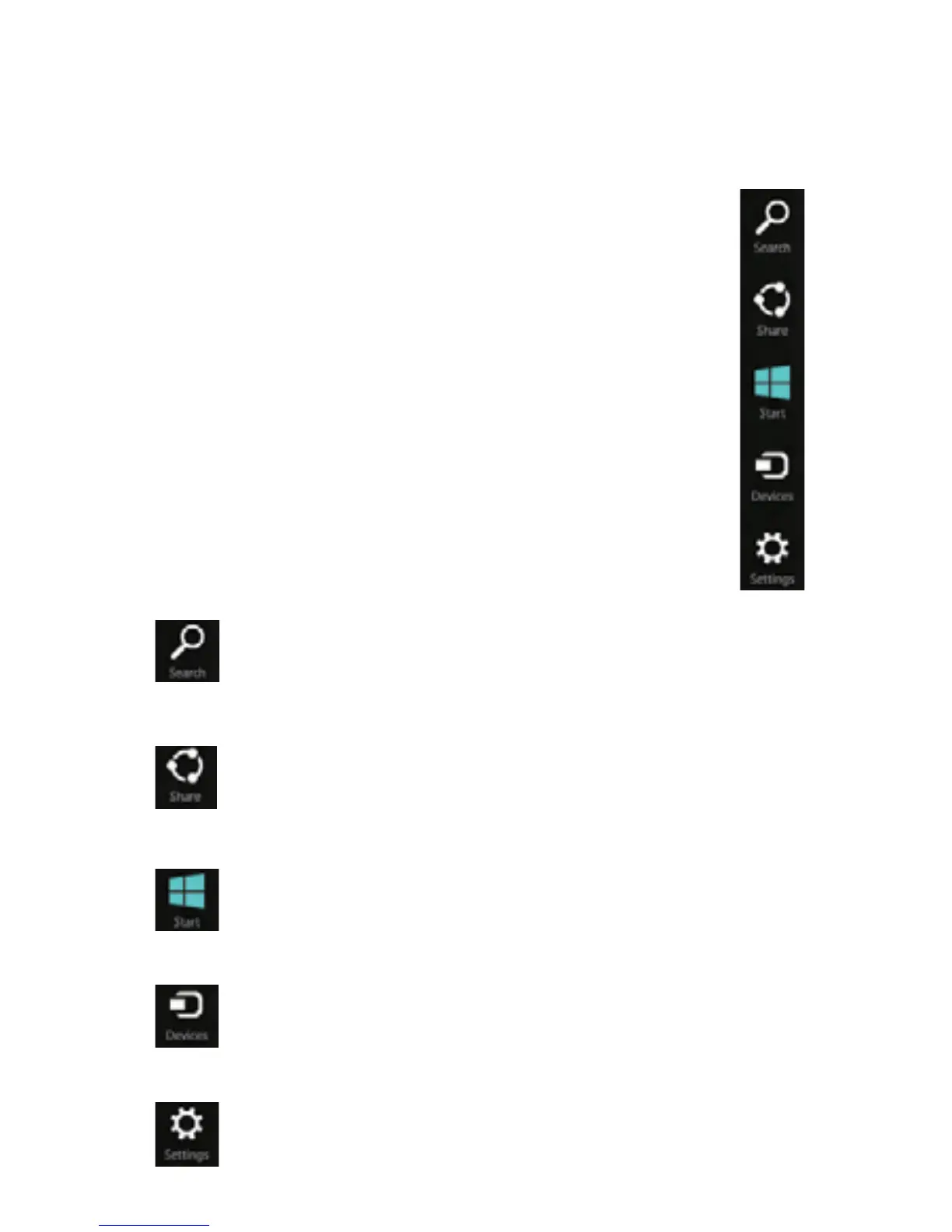
Charms
Charms provide you easy access to commands you
perform most often. Charms allow you to do things like
search, share, and change the settings wherever you
are.
Touch: Swipe from right edge of the screen
and tap the charm you want to open.
Search
To open the charms:
SearchtondthingsanywhereonSurface,
in apps, and on the web.
Shareles,photos,music,andlinks.
Brings you to the Start Screen. If you’re
already at Start, it will take you to the last
opened app.
Play, print, and project from other devices
when you connect with them.
Change Surface settings, or app settings
when apps are opened.



 To Next Page