5
Touch Screen Basics
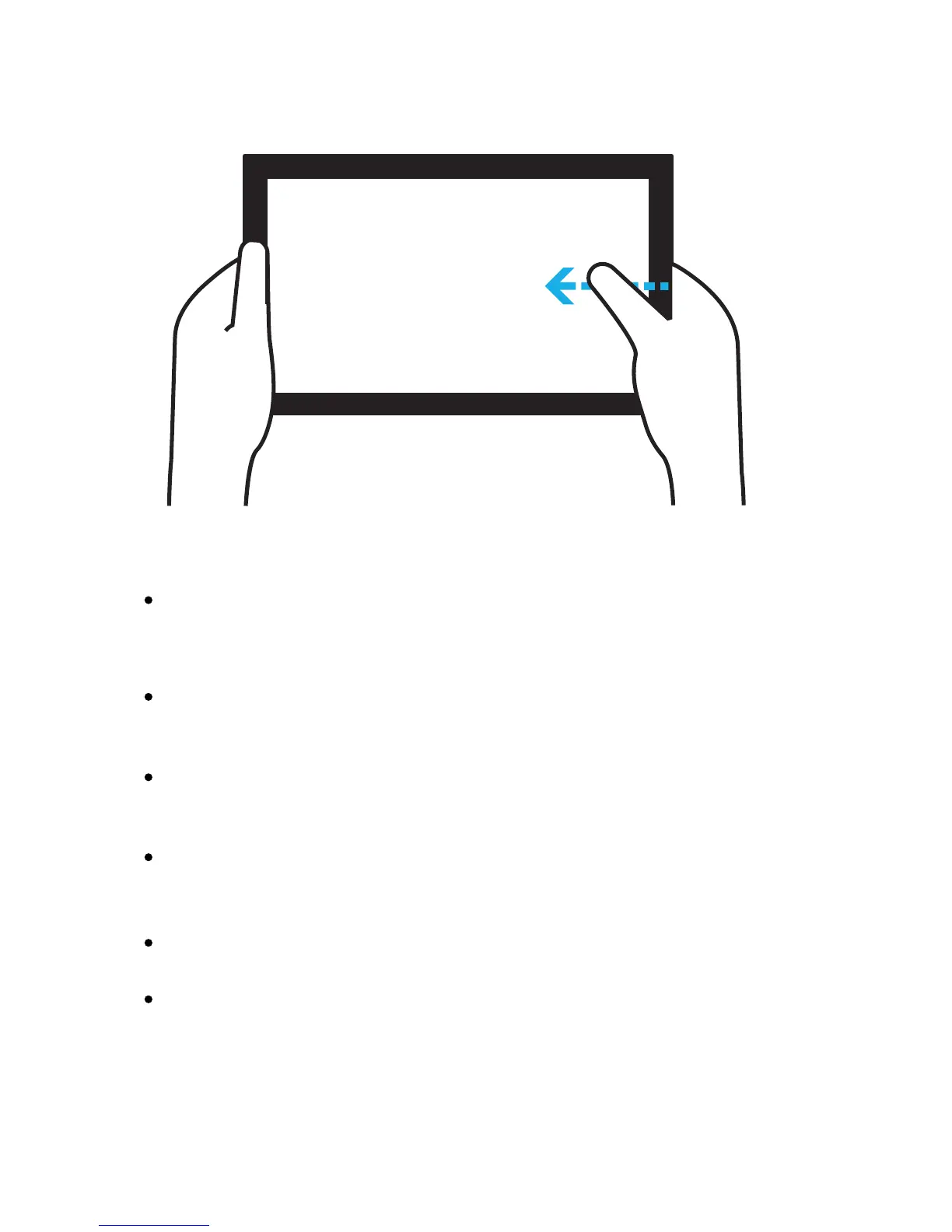
Swipe in from the right edge to reveal charms.
You can also return to the Start screen from here.
Swipe in from the left edge to switch to the last
used app.
Swipe in from the top or bottom edge to reveal app
commandsspecictothecurrentapp.
Drag from the top edge of the screen down to the
bottom to close the current app.
Pinchorstretchyourngerstozoominandout.
Slideyourngersacrossthescreentoseemore.



 To Next Page