96
SSD Selection Guide
Appendix
IND100077-130
Calculation of required size of SSD (Multi-Level Cell - MLC) device)
The table below details the write endurance of the an enterprise environment. All values are veried by Hatteland
Technology during the qualication / selection process. Please review our relevant Product Datasheets for your unit to
determine the actual installed device and its TBW values before proceeding with calculations below.
Write Endurance Specications
Previous 2.5” SSD (MLC)
Write Endurance Specications
Current 2.5” SSD (MLC)
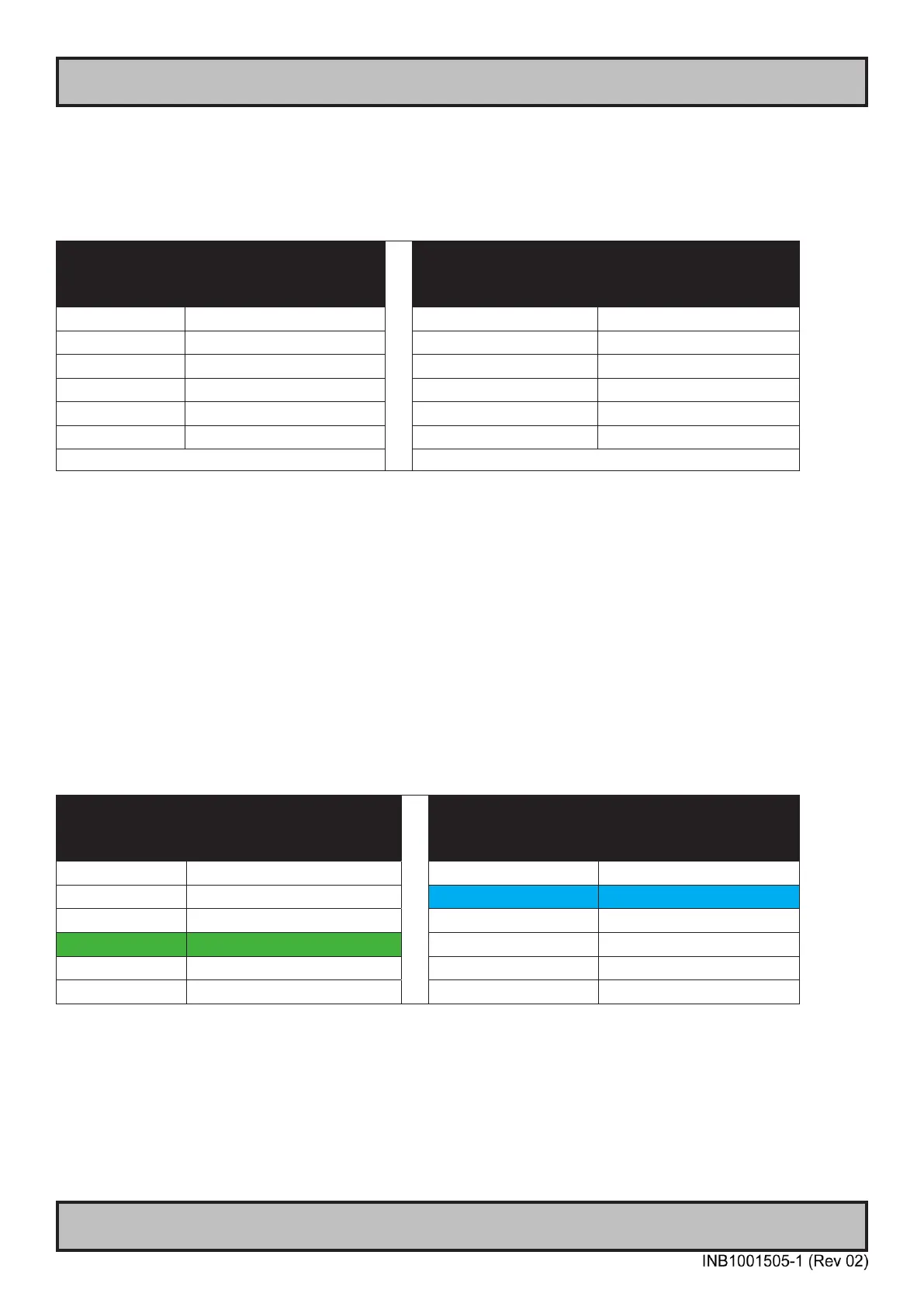
Device Size Value in TBW (Terabytes) Device Size Value in TBW (Terabytes)
80 GB 45 150 GB 412
120 GB 70 240 GB 599
160 GB 100 480 GB 945
240 GB 140 800 GB 1663
300 GB 225 960 GB 1750
600 GB 330 1200 GB 2455
JESD218 standard1 and based on JESD219 workload.
Formula for calculating disk size:
z = y * x
Where y = Requested minimum lifetime (with respect to wear out, [year]).
Where x = Data rate (GB /per year).
Where z = Total amount of data written data to SSD during its whole lifetime.
Step-by-Step Calculation
Step 1: Measure (preferred) or estimate data rate y, [GB /per year].
Step 2: Dene minimum expected lifetime for SSD device x [year].
Step 3: Calculate total amount of data written to the SSD during its whole lifetime, z = y * x.
Step 4: Use table, column 2, the z value shall be less or equal to the value in the table to achieve requested lifetime.
Write Endurance Specications
Previous 2.5” SSD (MLC)
Write Endurance Specications
Current 2.5” SSD (MLC)
Device Size Value in TBW (Terabytes) Device Size Value in TBW (Terabytes)
80 GB 45 150 GB 412
120 GB 70 240 GB 599
160 GB 100 480 GB 945
240 GB 140 800 GB 1663
300 GB 225 960 GB 1750
600 GB 330 1200 GB 2455
Step 5: Select the SSD device, column 1, which corresponds to the selected value in column 2.
Step 6. Check that the size of the selected SSD is greater than required size of the SSD, if not select the size of the
SSD that matches customer requirements.



 To Next Page