97
SSD Selection Guide
Appendix
IND100077-130
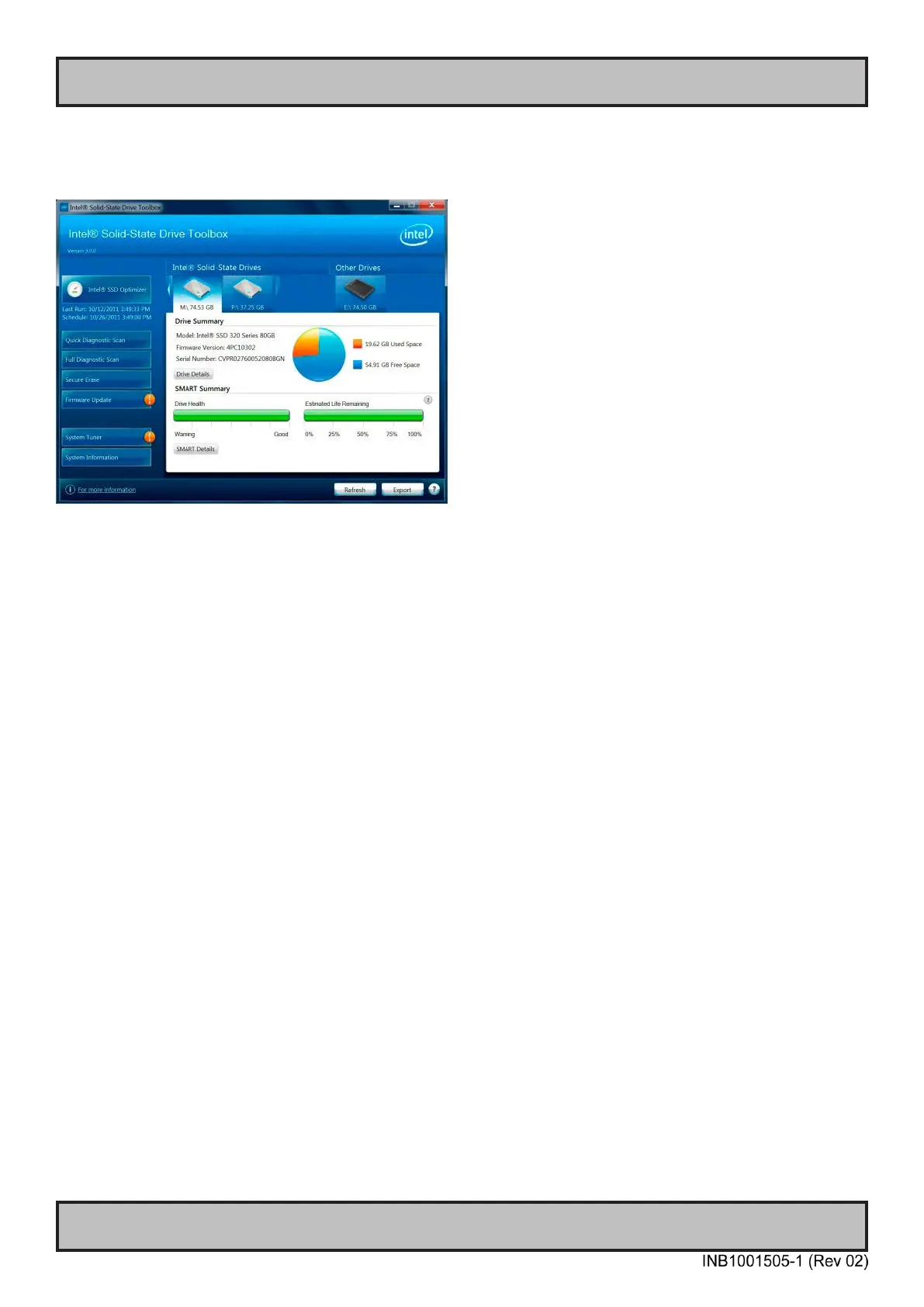
Measure of number of write cycles (Intel® Solid-State Drive Toolbox software)
Download Software from: https://downloadcenter.intel.com/Detail_Desc.aspx?agr=Y&DwnldID=18455
Preparation
1: Install "Intel® Solid-Sate Drive Toolbox" at target system.
2: Install the unit in valid conguration, i.e. the application shall running valid use case, if possible use worst
case scenario (with respect to disk activity).
3: Before start of measurement, check and store actual SMART data.
- Start "Intel® Solid-Sate Drive toolbol".
- Refresh (button at home screen).
- Export SMART data, store current data at le (button at home screen).
Measurement
1: Check and save time for start test scenario.
2: Execute the test scenario long enough to cover all valid use cases which may affect disk activity.
(Recommended measurement period is at least 1 week without interruption).
3: When the measurement is completed...
- Check and save time for completion of the test scenario.
- Start Intel® Solid-Sate Drive toolbox.
- Refresh (button at home screen).
- Export SMART data, store current data at le (button at home screen).
Calculation
1: Calculate number of written bytes during the measurement period, use E1 or F1 parameter (stored log le).
Number of written bytes per second = (F1compleation - F1start) / (Timecompletion - Timestart)
2: Convert to bytes per year.
3: Calculate expected life time (see previous time, section "Step-by-Step Calculation").



 To Next Page