98
Appendix
IND100077-179
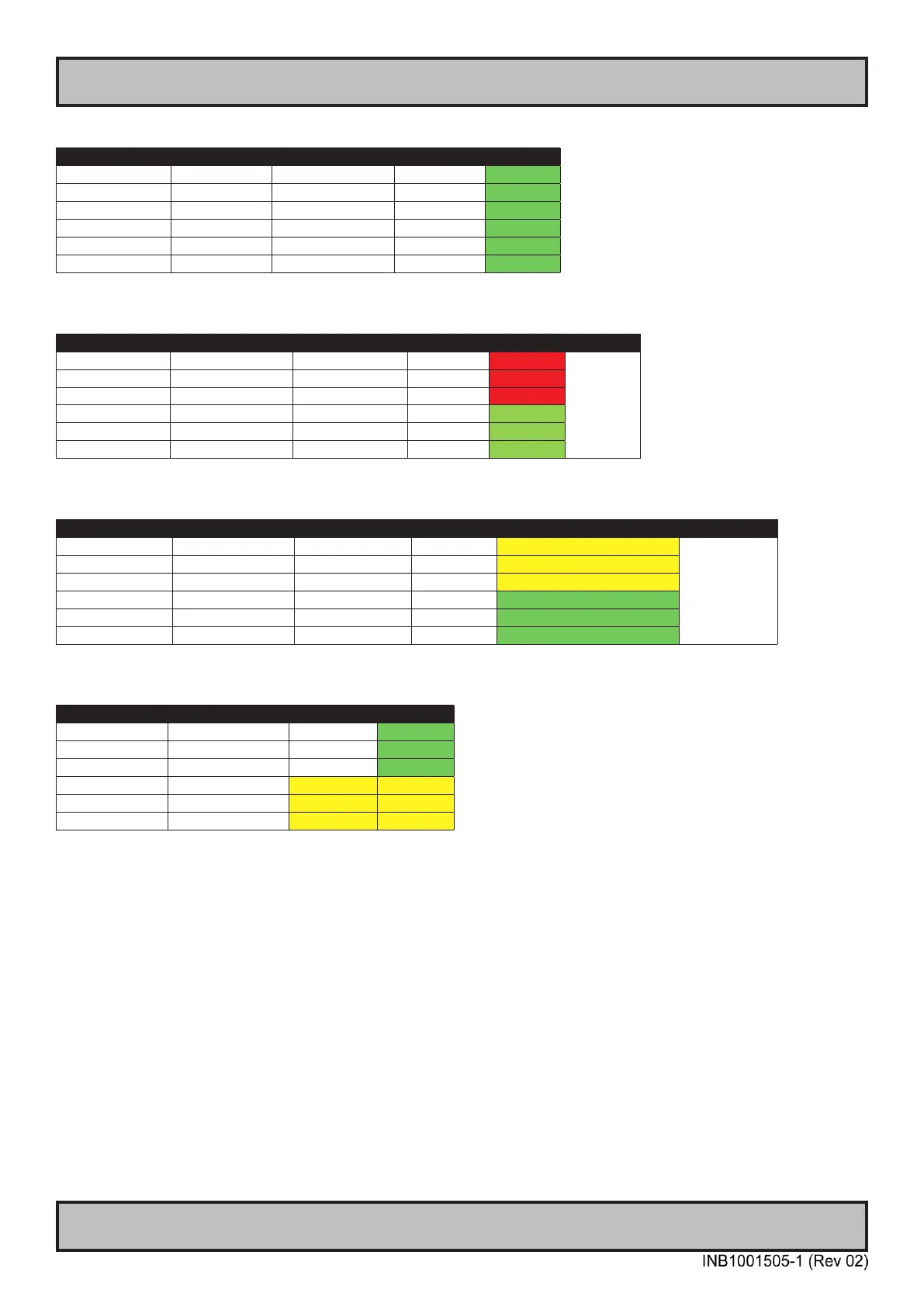
ATX / AT Power Modes
Battery Connected. ATX mode:
BIOS setting Battery Power Status Expected Results
Always On Connected ON ON ON
Always On Connected OFF ON ON
Last State Connected ON ON ON
Last State Connected OFF OFF OFF
Always Off Connected ON OFF OFF
Always Off Connected OFF OFF OFF
Battery Disconnected. ATX mode:
BIOS setting Battery Power Status Expected Results Notes
Always On Disconnected ON ON OFF See note
below for
ATX Mode.
Always On Disconnected OFF ON OFF
Last State Disconnected ON ON OFF
Last State Disconnected OFF OFF OFF
Always Off Disconnected ON OFF OFF
Always Off Disconnected OFF OFF OFF
Battery Reconnected. ATX mode:
BIOS setting Battery Power Status Expected Results Notes
Always On Reconnected ON ON OFF rst boot, then ON See note below
for ATX Mode.
Always On Reconnected OFF ON OFF rst boot, then ON
Last State Reconnected ON ON OFF rst boot, then ON
Last State Reconnected OFF OFF OFF
Always Off Reconnected ON OFF OFF
Always Off Reconnected OFF OFF OFF
AT mode:
BIOS setting Power Status Expected Results
Always On ON ON ON
Always On OFF ON ON
Last State ON ON ON
Last State OFF ON ON
Always Off ON ON ON
Always Off OFF ON ON
*Notes:
Due to limitations in Super I/O rmware, the behavior of Last State and Always On power mode settings in BIOS is affected if CMOS
battery is removed or dead.
- If battery is dead or not present, the power button must be used to power on the unit.
- After battery is replaced, the power button must be used to power up the unit the rst boot. After that it will return to normal behavior.
- Note that the system will show warning during boot, if battery voltage is below set limit (default: 2,6V, can be changed in BIOS), giving
users time to plan service to replace the battery before the battery dies.
For setups where this limitation is not acceptable, the workaround is to set the system to AT mode. The system will then always start
when power is connected, and the BIOS settings are ignored.
- If this is required, please specify “AT mode” option when ordering new units, as it’s a jumper setting modied during production process
or by authorized service partner.



 To Next Page