Reference Manual
00809-0100-4716, Rev JA
May 2008
Rosemount 3095 MultiVariable
3-8
HART
Tool Bar
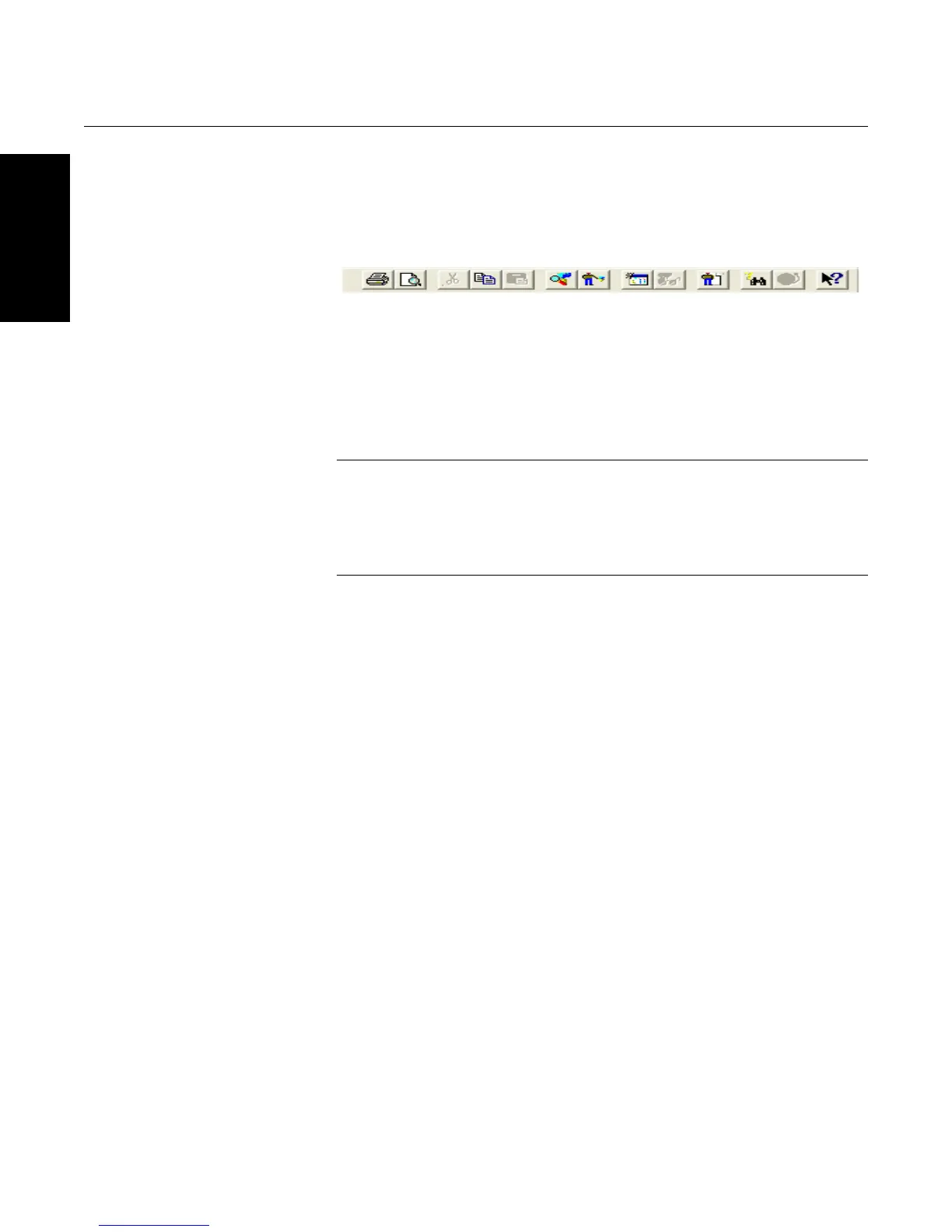
Another fast way to navigate through the 3095 Engineering Assistance
Software is by using the toolbar (see Figure 3-6).
Figure 3-6. Toolbar Icons
Procedures In both Snap-On and Stand-Alone versions of the 3095 Engineering Assistant
Software, most of the device parameters can be accessed by right-clicking on
the transmitter icon (See Figure 3-7 below). To access flow configuration,
right-click on the transmitter icon and select 3095 Engineering Assistant or
SNAP-ON Linked Apps/3095 Engineering Assistant. More information on
completing a flow configuration using the 3095 Engineering Assistant begins
on page 3-33.
NOTE
Some of the links found when right-clicking on the transmitter icon (see
Figure 3-7) may have different titles or may be absent, depending on which
version (SNAP-ON or Stand-Alone) of the 3095 Engineering Assistant is
running, and depending on the revision level version of the device and the
device driver file.









 To Next Page