RMS 621 6 Commissioning
Endress+Hauser 33
6.4.3 Main menu - Set-up
The following sub chapters and tables will contain a listing and description of all functions of the
setup menu addresses that can be read out or used for configuration of the energy manager.
Set-up - Step by step set-up description
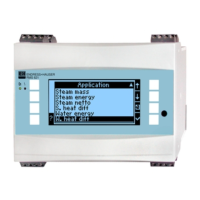
1. Set up inputs, this means allocating sensors to the inputs (terminals), or set up
values (pressure/temperature).
2. Set up the application, this means select an application (e.g. steam mass) and allocate the set
up sensors to this as well as selecting the system engineering units.
3. Set up outputs and alarm set points.
4. Set up display, this means select the process values, display mode (e.g scrolled display), colour
change toggle.
5. Other unit settings required (e.g. communication set-up).
"
Caution!
When changing any parameter, always check the possible influence this will have on other
parameters and on the total measurement system.
Setup → Unit set-up
The basic unit data is defined in this sub menu.
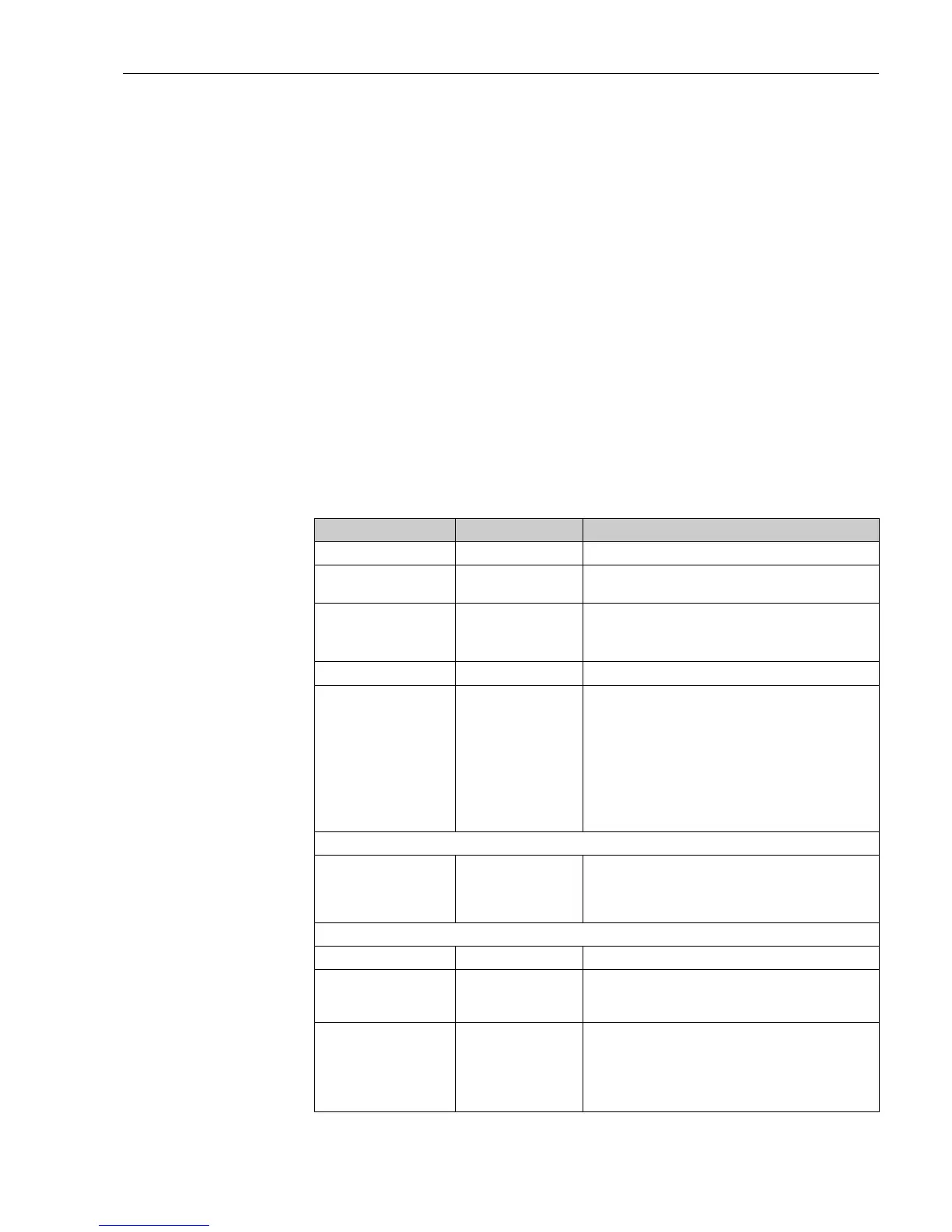
Function (Menu address) Parameter set-up Description
Unit identifier RMS 621 Allocates a unit name (max. 12 characters).
TAG number Allocation of a TAG number, e.g. as seen on circuit diagrams
(max. 12 characters)
Date DD.MM.YY Actual set-up date. (country dependent)
!
Note!
Important for daylight saving time set-up
TIme HH:MM Actual set-up time for the unit’s real time clock.
Text input Standard
Palm
Selection of text entry mode:
•
Standard:
Each parameter character is scrolled from the
available character set until the required character has been
reached.
•
Palm:
The required character can be selected from a
keyboard seen on the screen by using the arrow keys.
Code
•
User-
•
Alarm set point-
0000 - 9999
0000 - 9999
Set-up operation of the unit is only released once the code has
been successfully entered.
Only the alarm set point set-up is released. Everything else
remains locked out.
Summer/normal time change over
Change over off - manually - auto. Type of change over
•
Region Europe - USA Display of change over date from normal (NT) to summer (ST)
times and reverse. This function is dependent on the region
selected.
•
NTÆST
STÆNT
–Date
– Time
•
31.03 (Europe)
07.04 (USA)
•
27.10 (Europe
27.10 (USA)
•
02:00
Takes into account the summer/normal time change over in
Europe and USA at different times. Only selectable when
summer/normal time change over has been set to "off".
Time of change over. Only selectable when summer/normal
time change over has been set to "off".





 To Next Page