S o n o m a U s e r M a n u a l
114
A P P E N D I X B
115
S o n o m a U s e r M a n u a l
U P G R A D I N G T H E F I R M W A R E
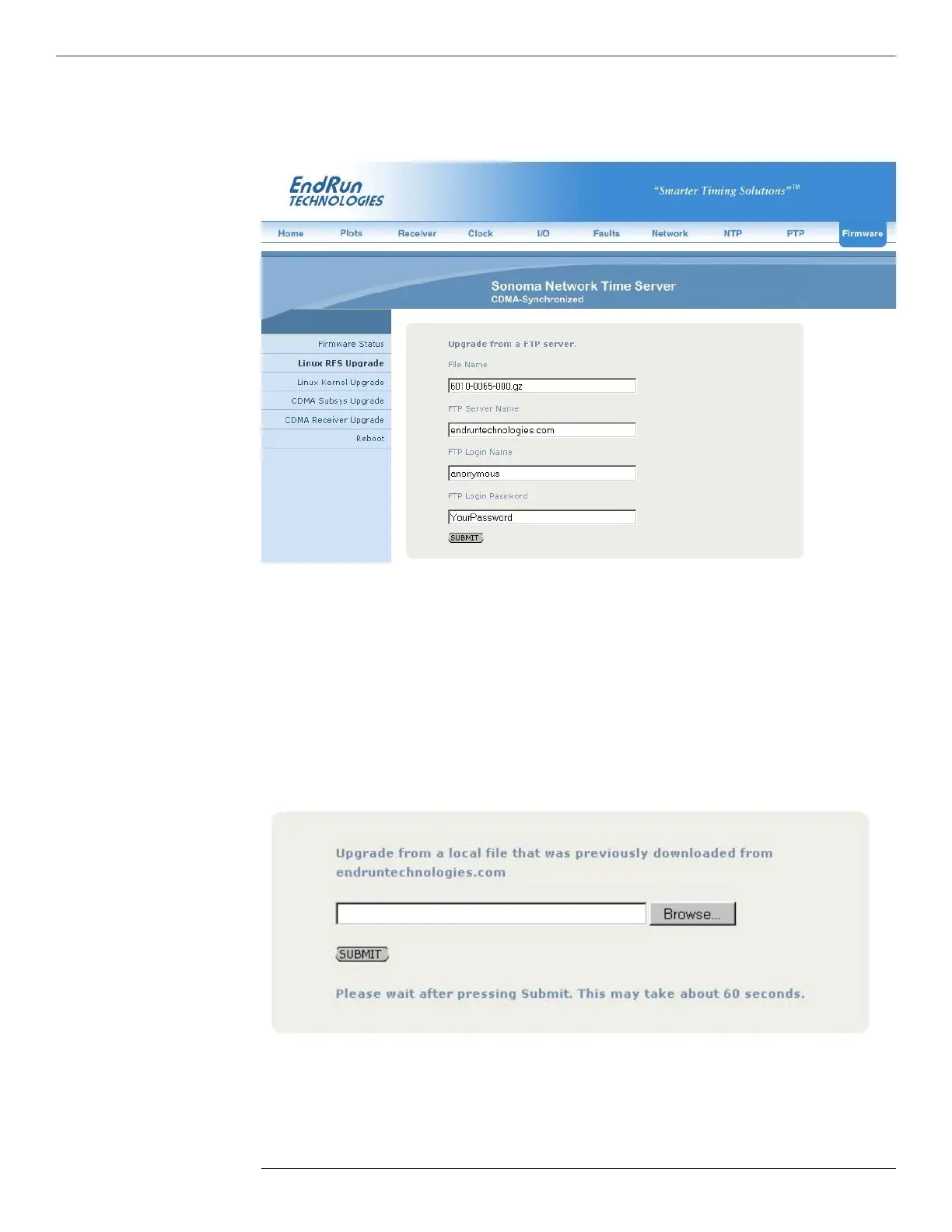
2. If your Sonoma does not have access to the Internet, you must rst download the appropriate
le(s) from the EndRun Technologies website to the computer that you will be using later to access
the Sonoma via its HTTPS interface. Use this link to get the le(s) you want:
http://www.endruntechnologies.com/upgradesonoma.htm
After saving the le(s), use the Sonoma HTTPS interface to select one or more for upload to the
Sonoma. Then follow the remaining prompts from the HTTPS interface to complete the upgrade(s).
(You will need to enter “root” as the user name and enter root’s password.)


 To Next Page
 Loading...
