S o n o m a U s e r M a n u a l
56
C H A P T E R S E V E N
57
S o n o m a U s e r M a n u a l
H T T P S I N T E R F A C E
HTTPS Interface
Description
For security reasons the web pages on the Sonoma show status and conguration information only.
You cannot change any operational settings, however you can perform upgrades to the Sonoma rm-
ware, which is done with several security measures in place. To make other changes to the Sonoma
you will need to use the command line interfact via either a network or serial port.
NOTE
For proper operation, your web browser must be configured to allow pop-up windows.
To get started with the web interface simply point your browser to the IP address of the Sonoma and
log in securely with HTTPS. Following are examples for IPv4 and IPv6:
IPv4: http://192.168.1.1
IPv6: http://[fe80:0:0:0:20e:f3ff:fe01:1f] Do not forget the brackets [].
A warning dialog page will be presented for the certicate. Acknowledge the dialog page and the
server will continue to load, protected by SSL. The browser should change from http: to https:, indi-
cating that the page is protected by SSL. To maximize security you should replace the SSL Certi-
cate. See Chapter 5 - Security, HTTPS for details.
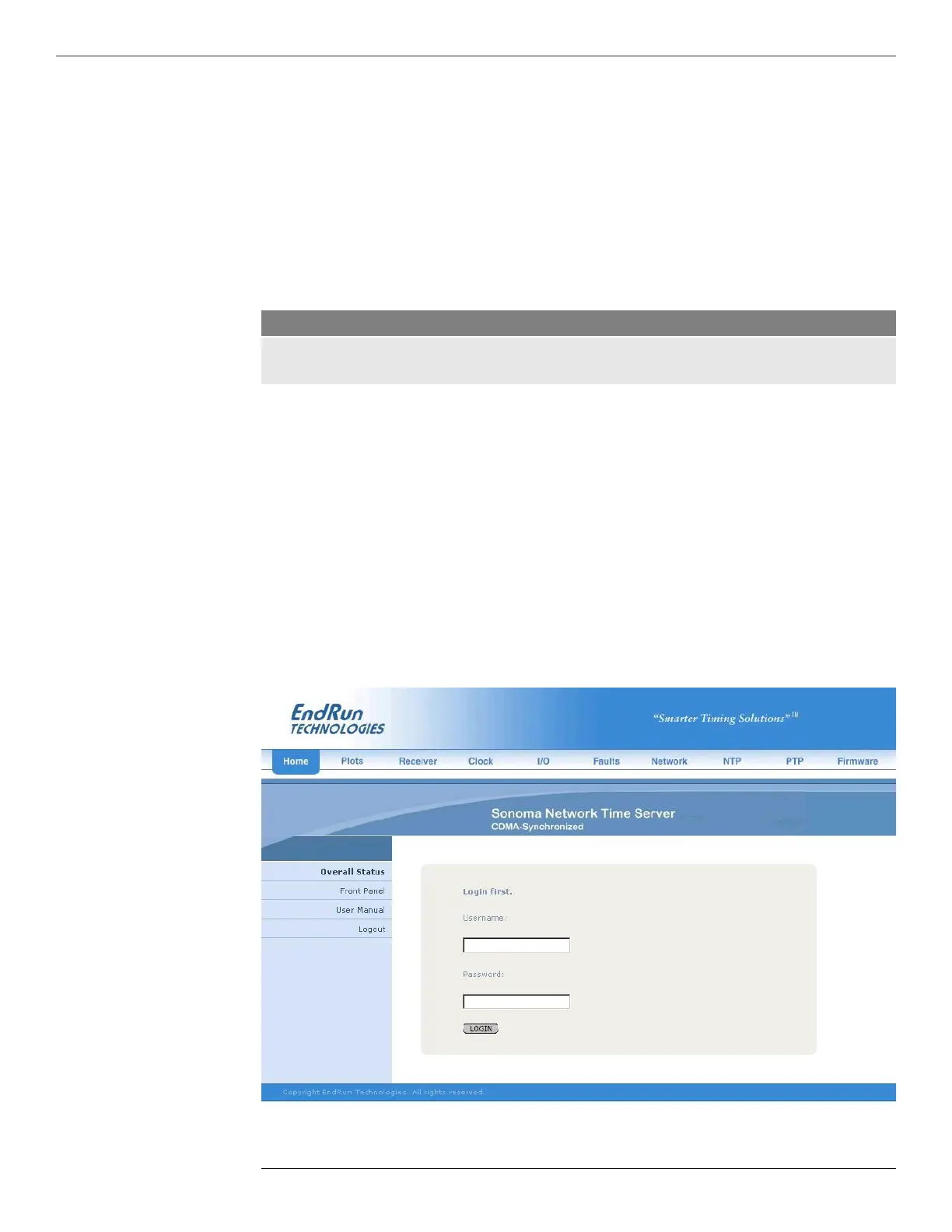
Below is a picture of the login page:



 To Next Page