11g Wireless Client Bridge/AP Version 1.36
10
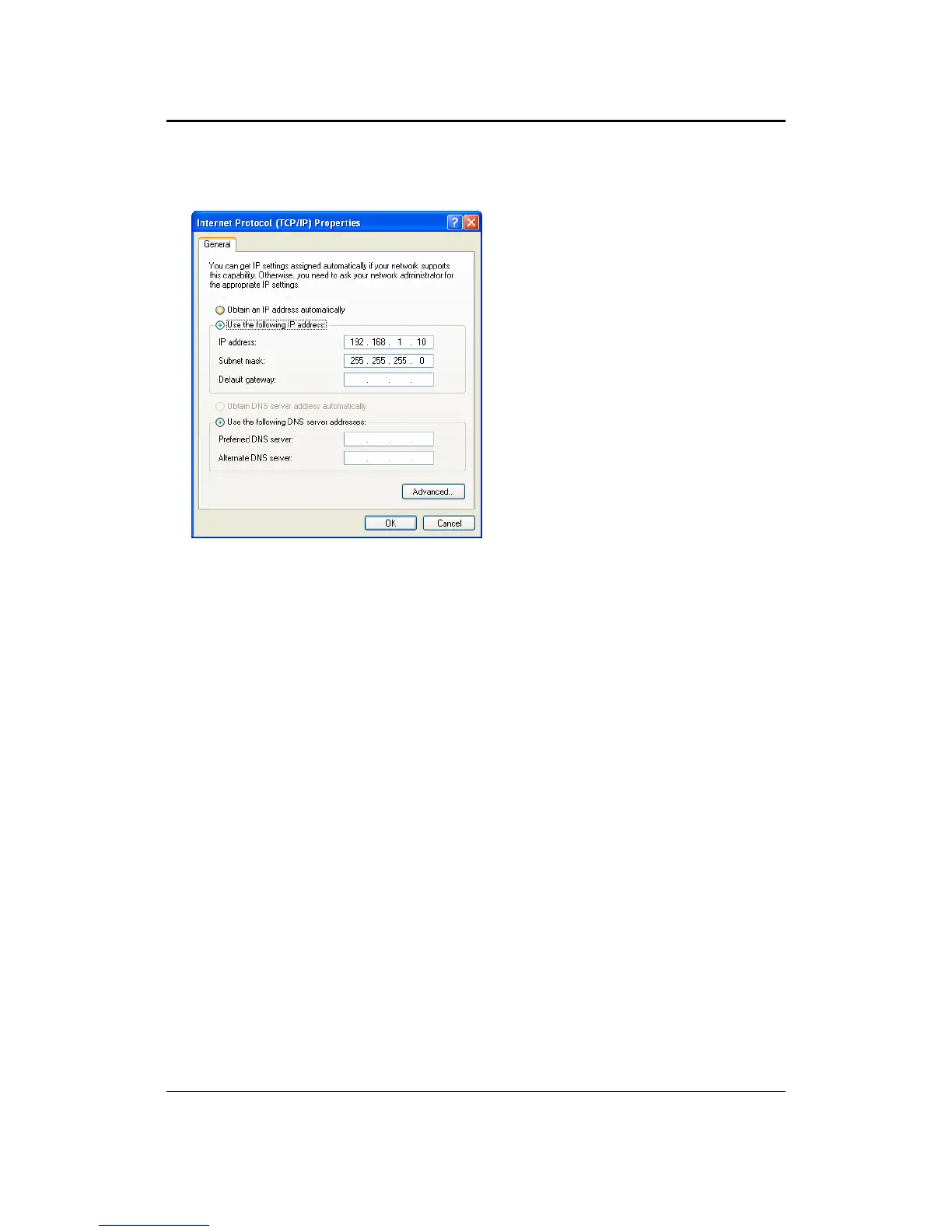
2. Select Internet Protocol (TCP/IP) and then click on the Properties button. This
will allow you to configure the TCP/IP settings of your PC/Notebook.
3. Select Use the following IP Address radio button and then enter the IP address
and subnet mask. Ensure that the IP address and subnet mask are on the same
subnet as the device.
For Example: Device IP address: 192.168.1.1
PC IP address: 192.168.1.10
PC subnet mask: 255.255.255.0
4. Click on the OK button to close this window, and once again to close LAN
properties window.



 To Next Page