11g Wireless Client Bridge/AP Version 1.36
21
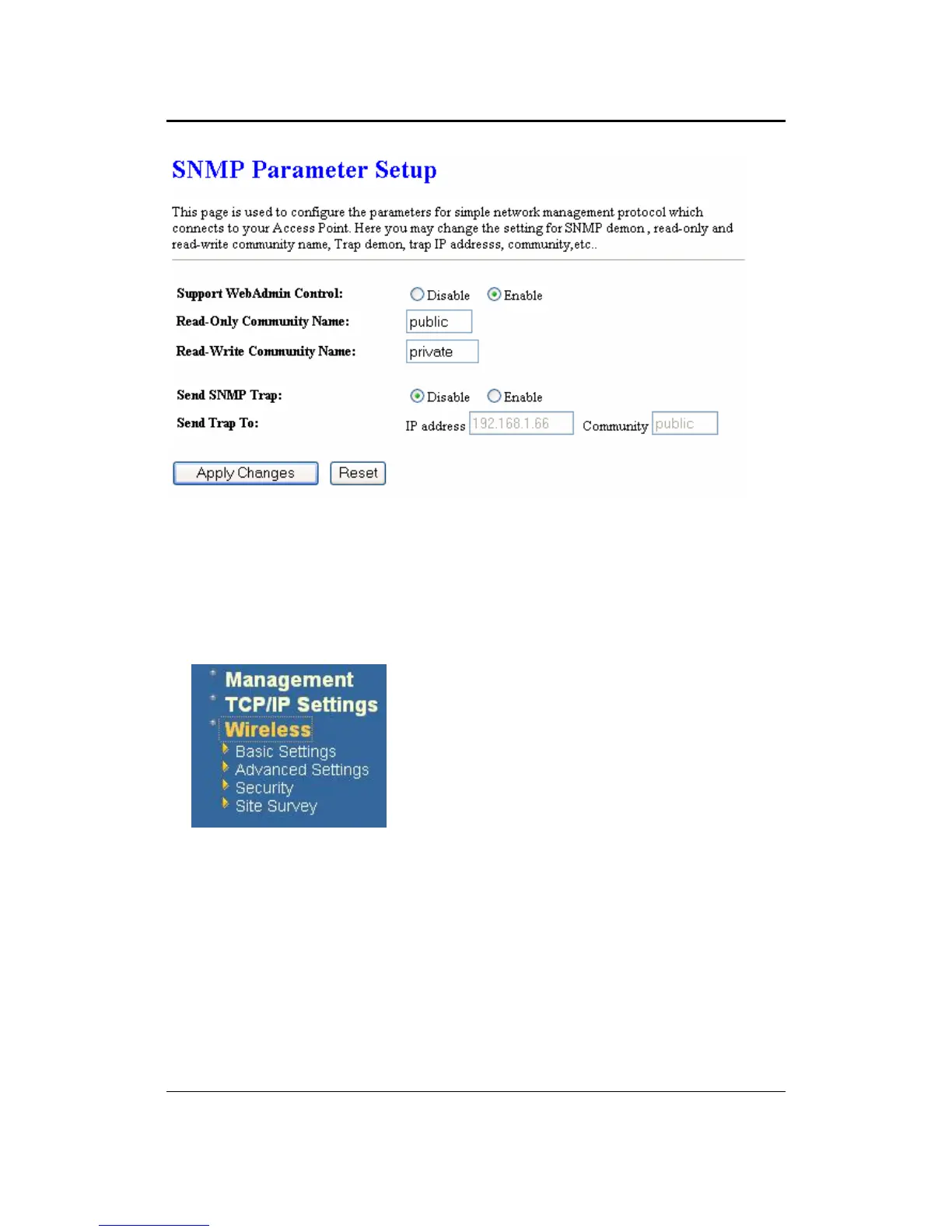
Check Enable to activate the SNMP and then configure the Read/Write Community
Strings.
Enable Send SNMP Trap to activate the SNMP Trap Agent and input the IP address of
SNMP Trap Host.
4.4 Wireless
Click on the Wireless link on the navigation
drop-down menu. You will then see four options:
basic settings, advanced settings security and
site survey. Each option is described below.
4.4.1 Basic Settings (Infrastructure, Adhoc)
Click on the Basic Settings link under the Wireless menu. Using this option you
may configure the 802.11b/g settings as well as the frequency, channel, and SSID.



 To Next Page