11g Wireless Client Bridge/AP Version 1.36
30
System
o Uptime: Duration of time since the device was last reset.
o Firmware version: Version of the firmware that is currently loaded on the
device.
Wireless Configuration:
o Mode: Wireless configuration mode such as client bridge, AP, or WDS.
o Band: Frequency and IEEE 802.11 operation mode (b-only, g-only, or b+g).
o SSID: The name used to identify the wireless network.
o Channel Number: The channel used to communicate on the wireless
network.
o Encryption: The type of security used on this network. It may be disabled,
WEP, WPA, etc.
o BSSID: The MAC address of the SSID.
o Associated Clients: Displays the number of clients currently associated to
the Access Point.
TCP/IP Configuration:
o Attain IP Protocol: The IP address setting may be fixed or static.
o IP Address: Displays the current IP address of the LAN port.
o Subnet Mask: Displays the current subnet mask for the IP address.
o Default Gateway: Displays the default gateway for the device.
o DHCP: Displays the DHCP setting.
o MAC Address: Displays the MAC address of the device.
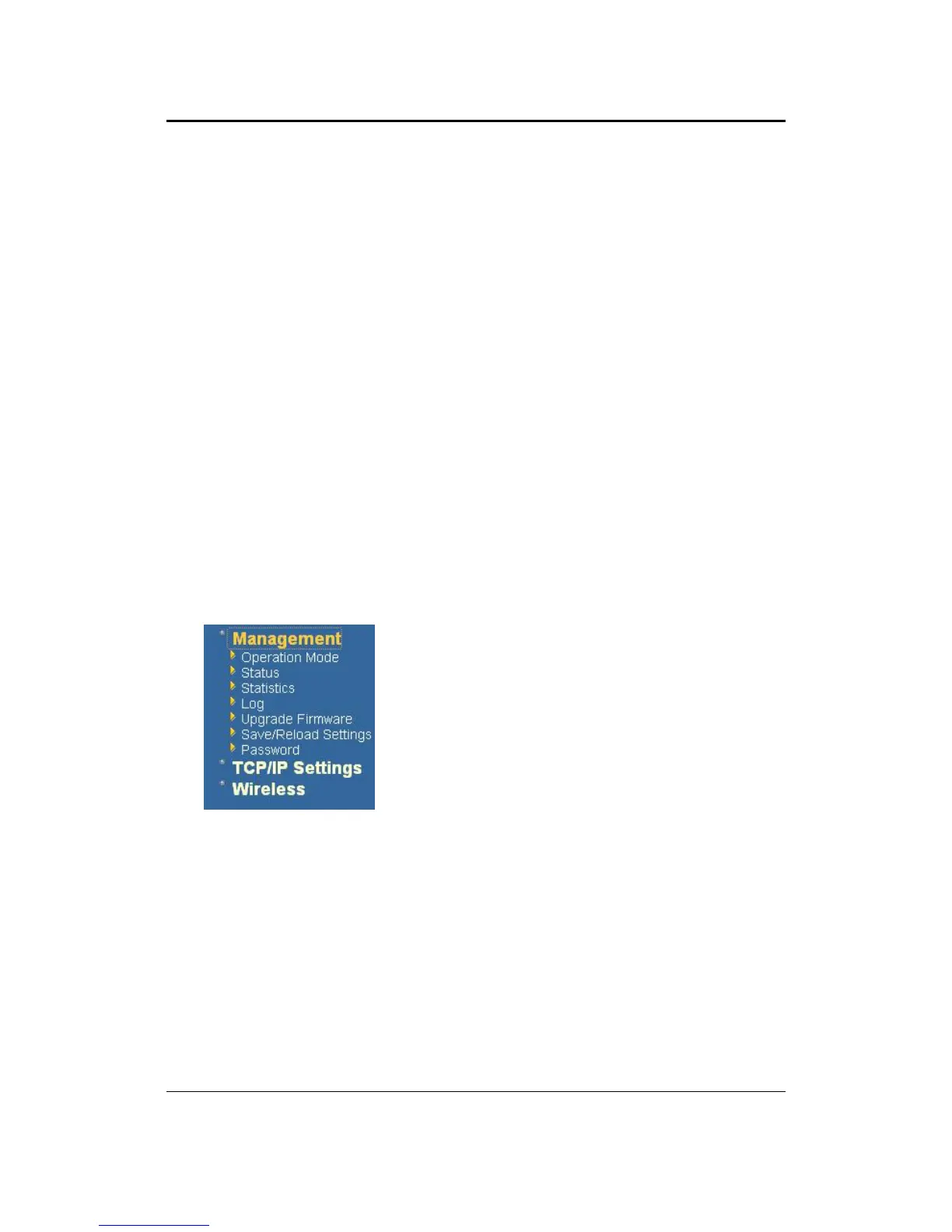
5.2 Management
Click on the Management link on the navigation
drop-down menu. You will then see five options:
operation mode, status, statistics, log, upgrade
firmware, save/reload settings, and password.
Each option is described below.
5.2.1 Operation Mode
Click on the Operation Mode link under the Management menu. The Operation
Mode allows you to switch from Access Point to Client Bridge mode.



 To Next Page