11g Wireless Client Bridge/AP Version 1.36
12
3.2 Access Point to Bridge/Bridge Router
1 Enter the default IP address (192.168.1.2) of the bridge into the address bar of
the web-browser.
2 By default, a user name and password has not been configured. If you have
configured a user name and password, please enter them into the field to
continue
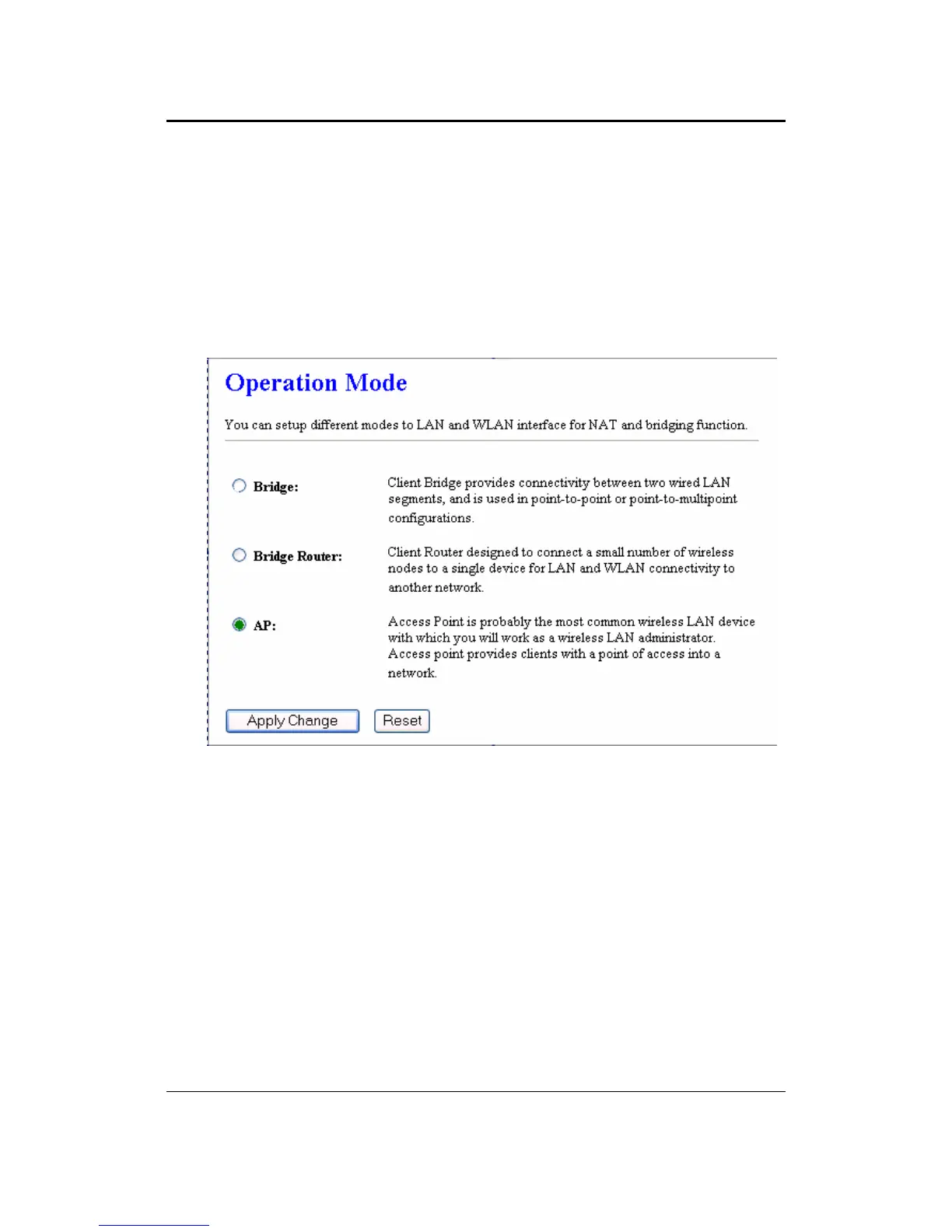
3 Once you have logged in, click on the Operation Mode link under the
Management menu.
4 Since this device is currently in Access Point mode, the AP radio button will be
selected by default.
5 Select the Bridge or Bridge Router radio button to and then click on the Apply
Change to switch the operation mode to Bridge.
6 Wait for about 1 minute and the device will automatically restart into Bridge
mode.



 To Next Page