11g Wireless Client Bridge/AP Version 1.36
37
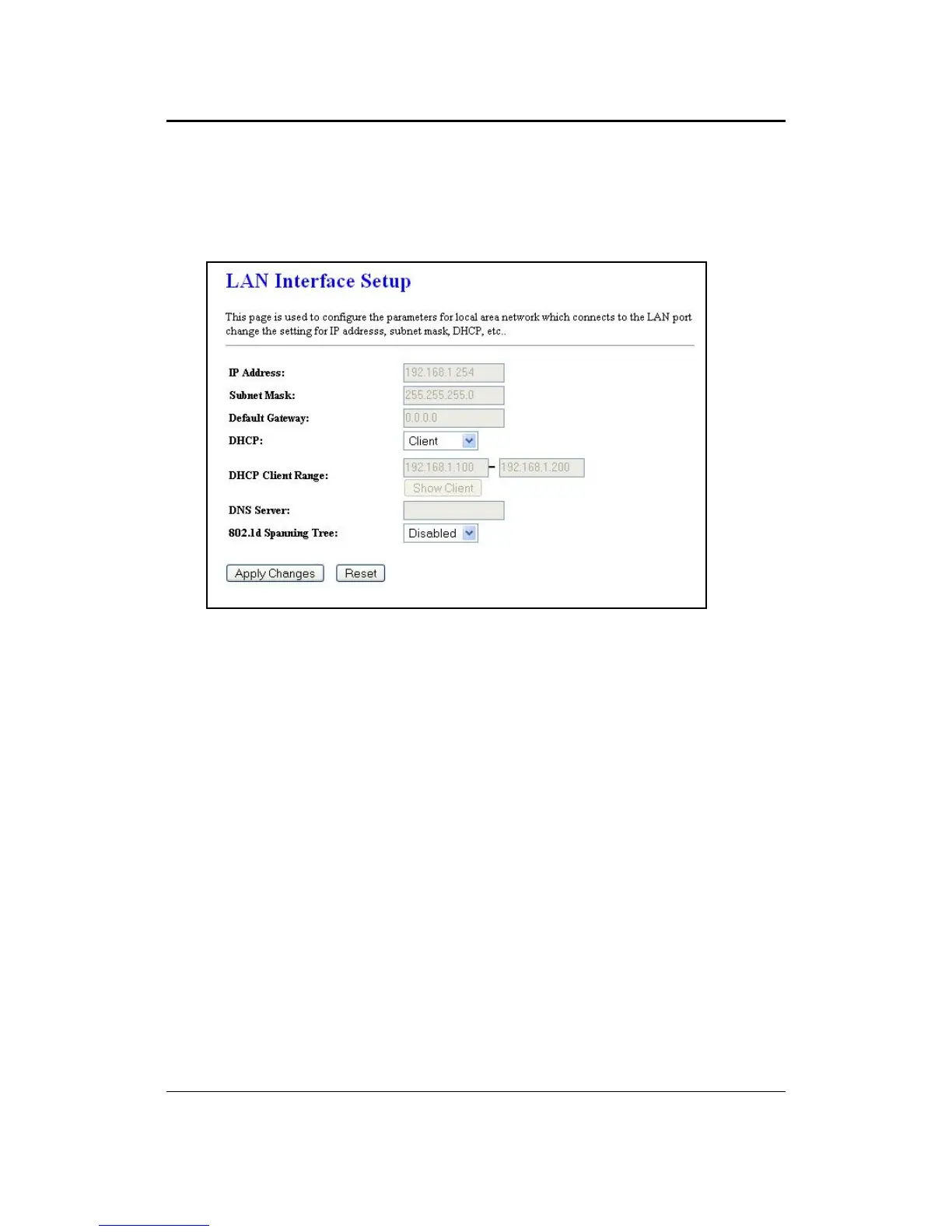
5.3.1.2 DHCP Client
DHCP: If this device is a DHCP client and will receive its IP settings from a DHCP
server, then select Client from the drop-down list. Enabling the DHCP client will
disable the IP address, subnet mask, and default gateway fields. If the DHCP option
is Disabled, then the IP address, subnet mask, and default gateway fields must be
filled in.
802.1d Spanning Tree: Select Enabled from the drop-down list if you if you would
like to use the spanning tree feature.
Click on the Apply Changes button to confirm the changes. This device will
automatically restart once these changes have been applied.



 To Next Page