11g Wireless Client Bridge/AP Version 1.36
43
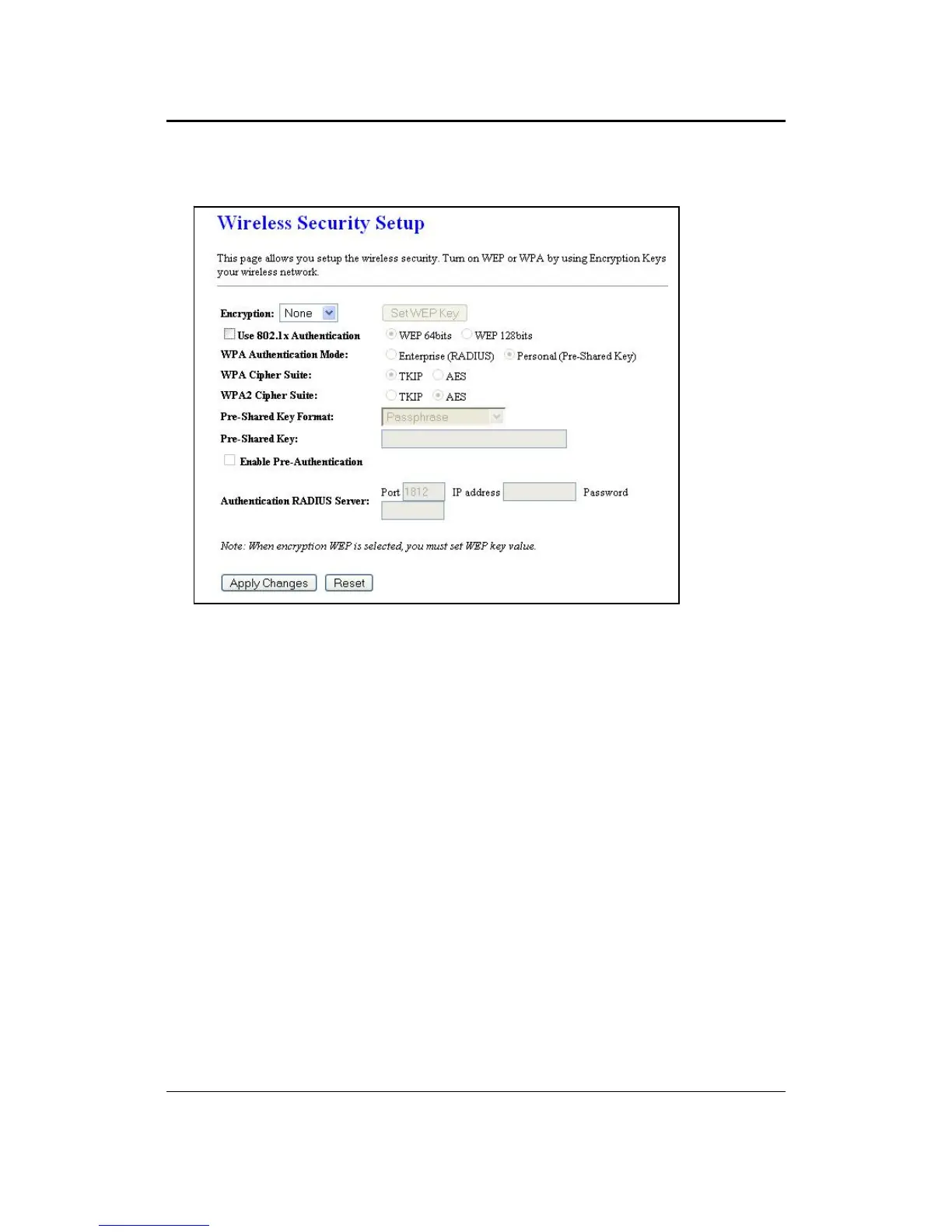
5.4.3.1 Encryption Disabled
Encryption: Select None from the drop-down list if your wireless network does not
use any type of encryption.
Click on the Apply Changes button to confirm the changes. This device will
automatically restart once these changes have been applied.



 To Next Page