11g Wireless Client Bridge/AP Version 1.36
15
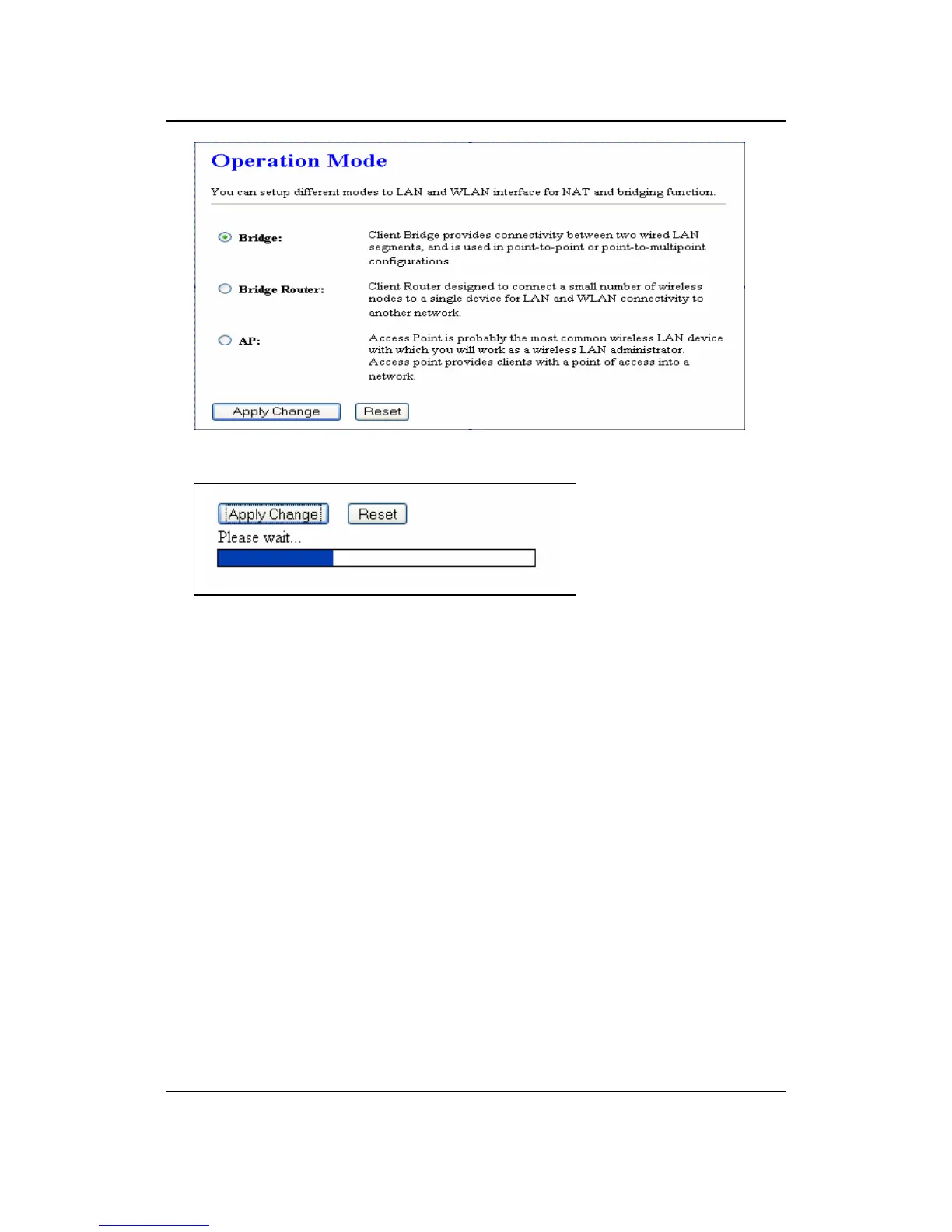
Select the AP, Bridge or Bridge Router and then click on the Apply Change button.
Wait for about a minute until you see the following Pop-Up message.
Click on the OK button and then enter the specified IP address into the web-browser.
**Switch to other mode, the configuration settings will continue using.**
Refer to Chapter 5 to learn how to configure this device in Access Point mode.



 To Next Page