11g Wireless Client Bridge/AP Version 1.36
49
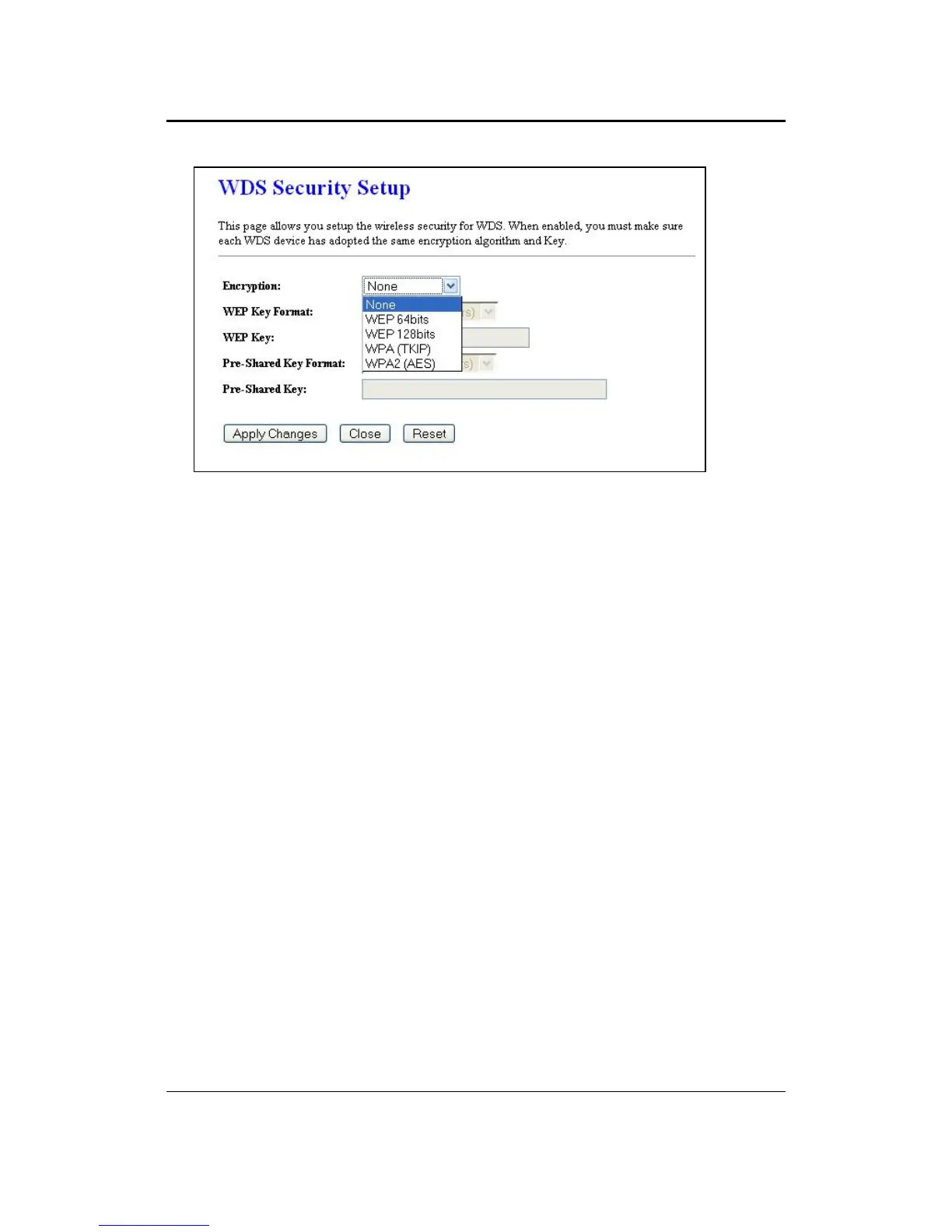
Encryption: Select WEP 64bits, WEP 128bits, WPA (TKIP) or WPA2 (AES) from the
drop-down list if your wireless network uses a specific encryption.
Key Format: Select a key format from the drop-down list. 64bit-hex keys require 10
characters, where as 128-bit keys require 26 characters. A hex key is defined as a
number between 0 through 9 and letter between A through F.
Key Length: Select a 64-bit or 128-bit from the drop-down list.
Pre-Shared Key Format: Select Passphrase from the drop-down list.
Pre-Shared Key: Enter the pass phrase; this should be between 8 and 63 characters.
Click on the Apply Changes button to confirm the changes. This device will
automatically restart once these changes have been applied.



 To Next Page