12
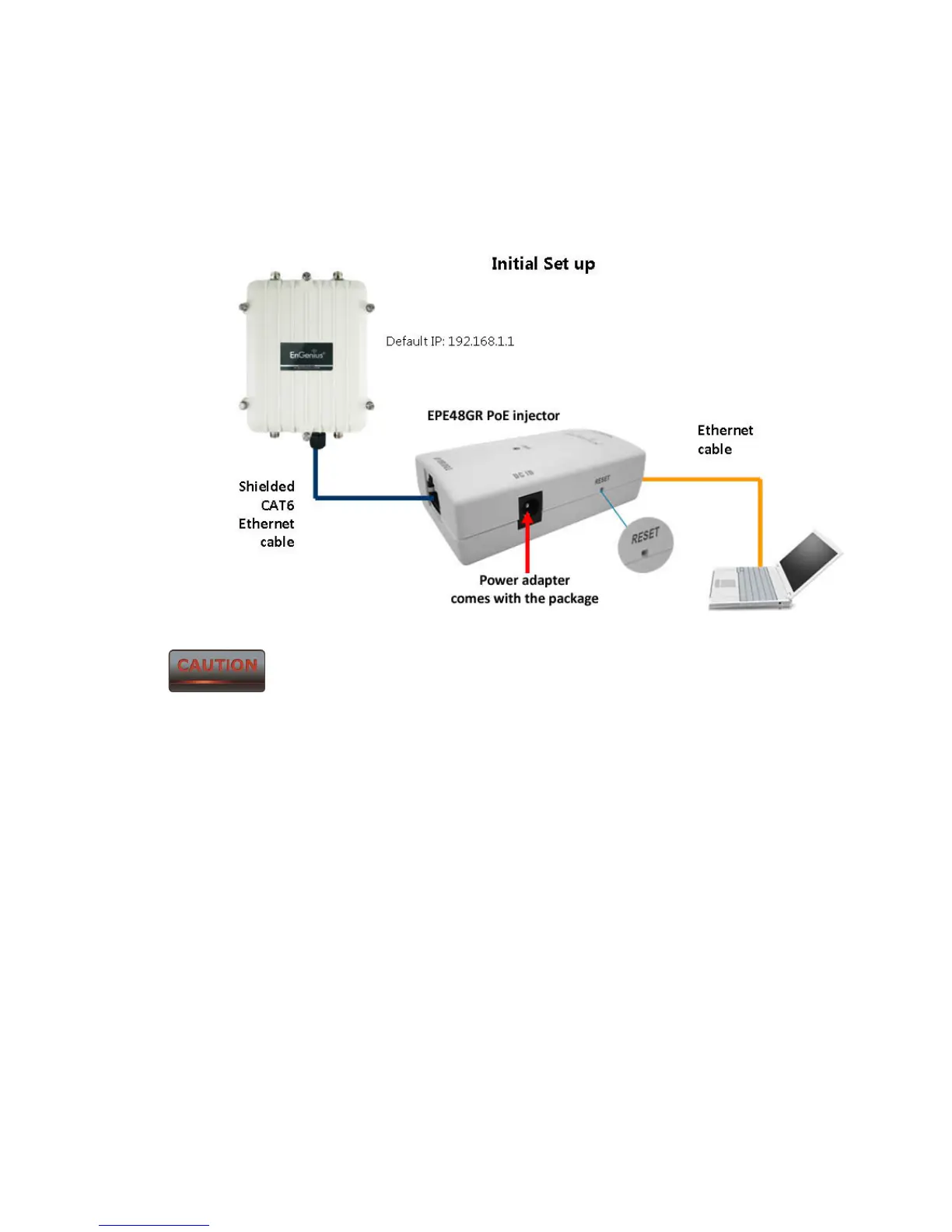
6. Insert the other end of the second Ethernet cable into the Ethernet controller of the
computer system in which the ENH700EXT will be set up.
7. Plug the power cord of the power adapter into the EPE-48GR port labeled DC IN.
8. Plug the power adaptor into the power outlet.
The ENH700EXT provides a proprietary PoE adapter. Please only use the
supplied PoE adapter and its power adapter.



 To Next Page