31
concurrently in Access Point mode (8 SSIDs per Radio). Each
SSID will have associated settings that can be edited by
pressing the Edit button. For an SSID to be active and
discoverable, the checkbox associated to the SSID must be
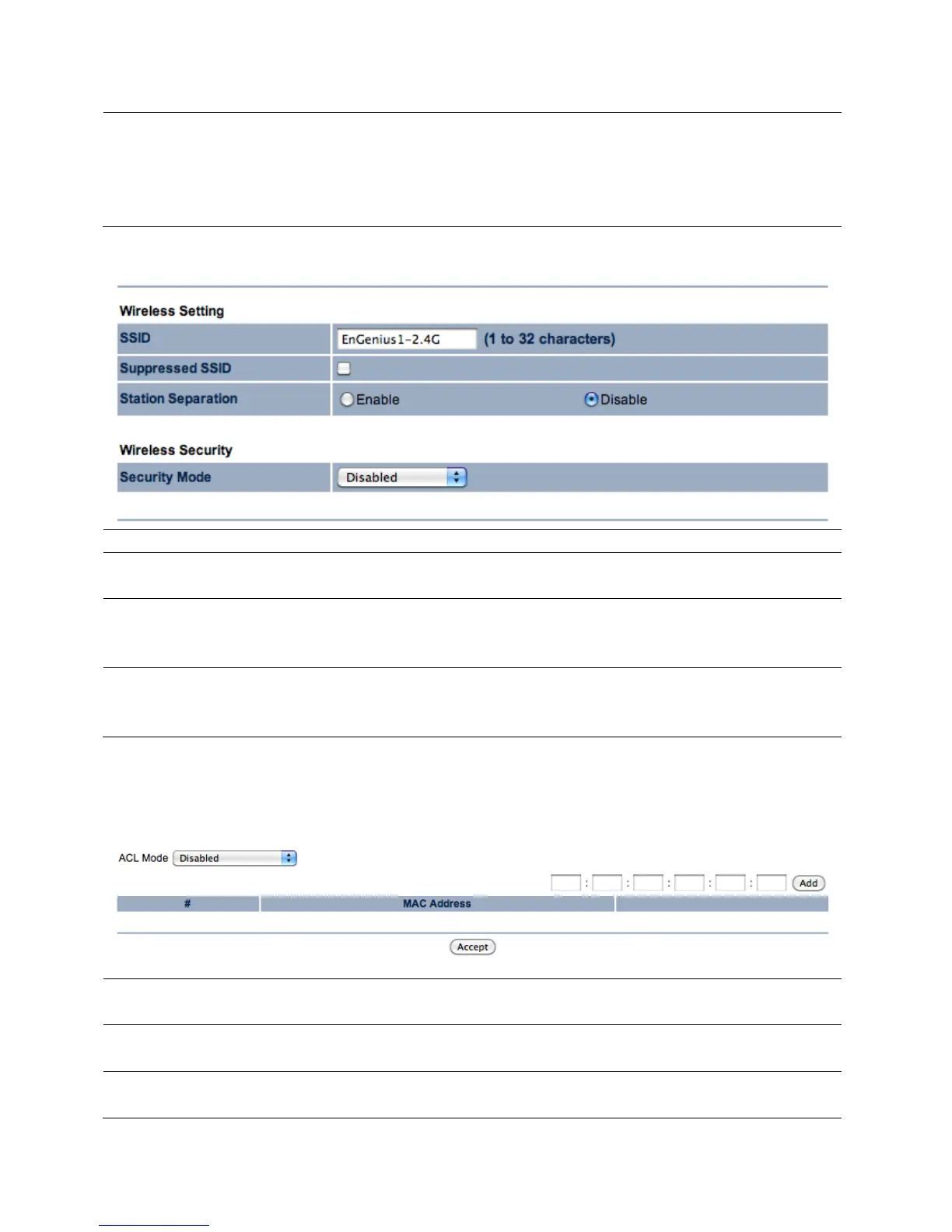
7.1.2 SSID Profile
The SSID is the identifier (name) of the Access Point.
Suppressed SSID By checking the Suppressed SSID so clients scan for access
point will not see the SSID of ENH700EXT
When enabled, clients will not be able to communicate with
other devices connected via Access Point within the
ENH700EXT.
Security Mode Set the security options for the Access Point. For more
information on Wireless security, refer to Chapter 8 (Page
7.1.3 Wireless MAC Filter
ACL Mode Select whether the MAC Addresses listed will be the only
clients granted access or denied service in the Access Point.
Enter the MAC Address of the device to be added to the
filtering list. Once entered, press Add.
# The number on the list associated with the client MAC
address.



 To Next Page