46
9.5 Backup / Restore Settings
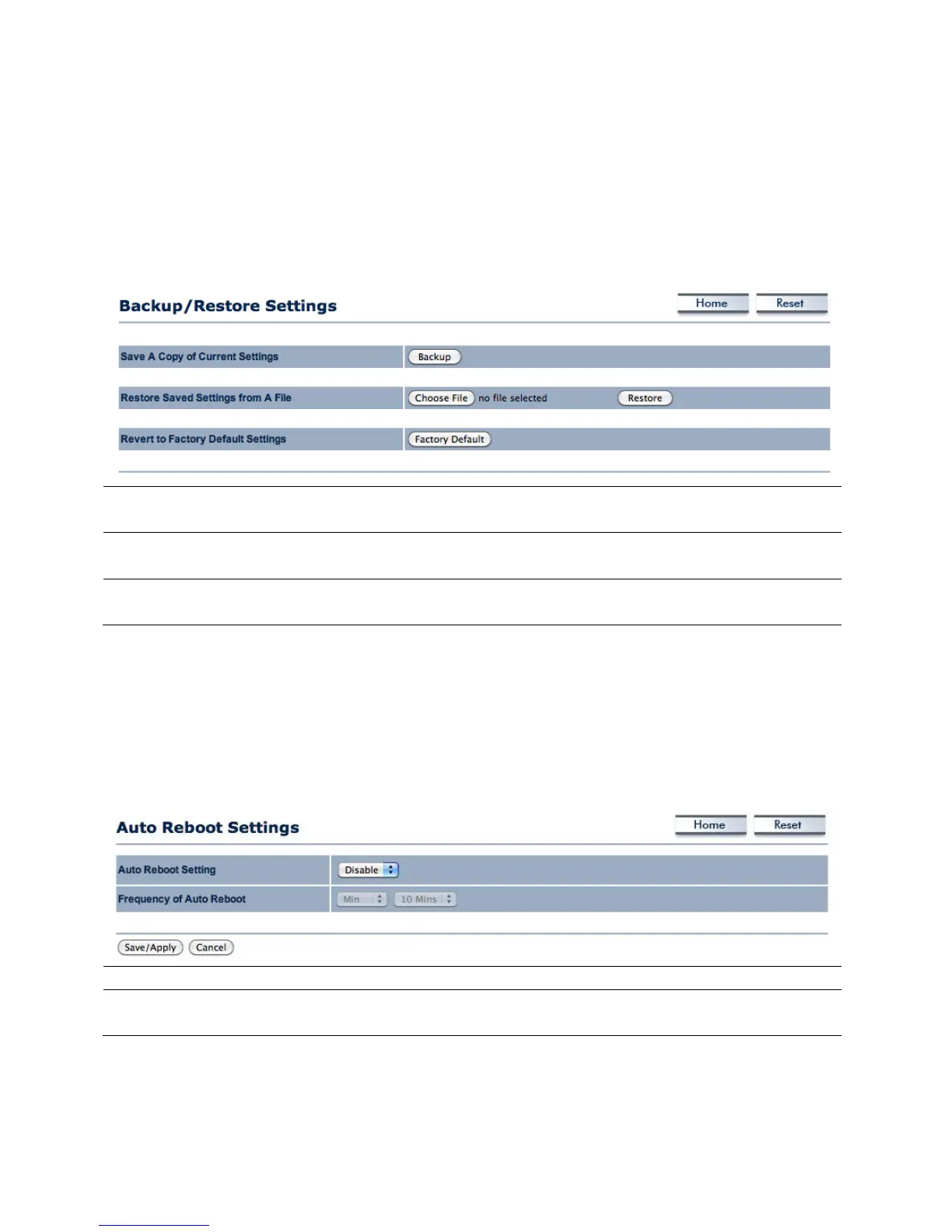
In the Backup / Restore Settings option of the Management section allows the users to save
the configurations of the ENH700EXT into a file as backup to later restore.
Save a Copy of Current
Settings
The user can save the configuration settings of the
ENH700EXT into a file.
Restore Saved Settings from A
The user can browse the computer file system for a
previously saved settings file of the ENH700EXT to restore to.
Revert to Factory Default
The user can restore all settings of the ENH700EXT to the
9.6 Auto Reboot Settings
The users can use the Auto Reboot Settings option in the Management section to setup a time
frame in which the ENH700EXT will automatically restart.
The user can enable automatic rebooting of the ENH700EXT.
Frequency of Auto Reboot If enabled, the user can set the amount of time to elapse
before the ENH700EXT will automatically restart.



 To Next Page