24
5 Status
5.1 Save/Reload
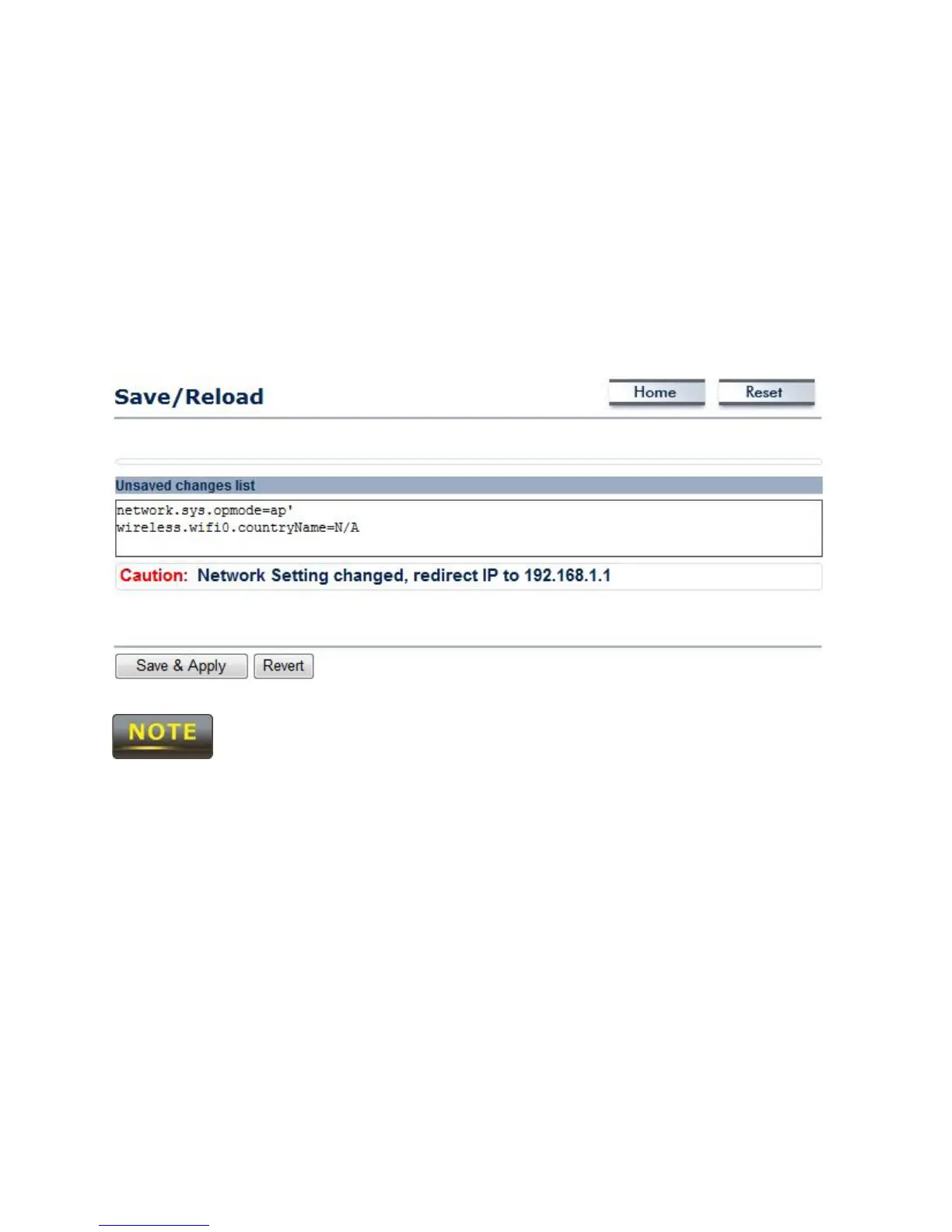
When making any changes to ENH700EXT, it will be placed in the Save / Reload option of the
Status section.
No changes made in the proceeding chapters of this manual will take effect
until Save & Apply is selected. Selecting Revert will erase any changes made.
5.2 Main (System Information)
The Main option of the Status section of the user interface menu contains the information and
status of the ENH700EXT. The device current status information includes four section:
1) System Information – This sections displays general information of the ENH700EXT such
as the device name, firmware version, and the MAC addresses associated with different
Wireless Bands and SSIDs.
2) LAN Settings – This section displays the LAN settings, such as the IP Address, subnet
mask, default gateway and Spanning Tree Protocol, of the ENH700EXT.
3) Current 2.4G Wireless Settings – This sections displays the current operation mode of
the 2.4 GHz wireless radio and the various settings associated with it.



 To Next Page