40
When using TKIP, 802.11g will be selected by default.
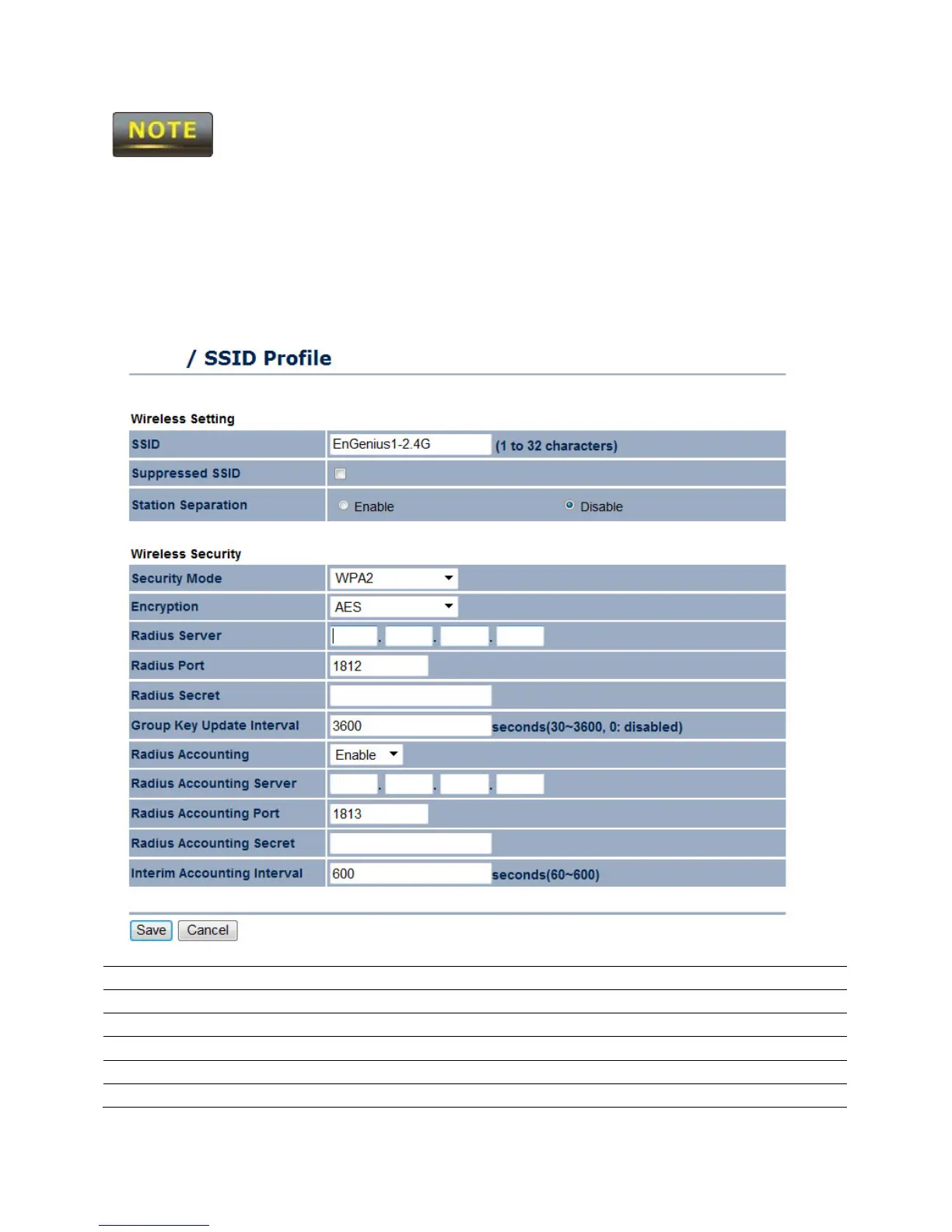
8.2 WPA, WPA2, or WPA Mixed
When selecting one of the various modes of WPA encryption without a Pre-Shared Key,
authentication can be determined through RADIUS (Remote Authentication Dial in User
Service).
Select WPA, WPA2, or WPA Mixed.
Encryption Select whether TKIP, AES, or both encryptions will be used.
RADIUS Server Enter the IP Address of the RADIUS server.
RADIUS Port Enter the RADIUS port that will be used (Port 1812 is default).
RADIUS Secret Enter the password in which the RADIUS server will use.
Group Key Update Interval
Enter the amount of time (in seconds) for the Group Key to



 To Next Page