25
4) Current 5G Wireless Settings – This sections displays the current mode of the 5 GHz
wireless radio and the various settings associated with it.
5.3 2.4GHz Wireless Client List
The 2.4GHz Wireless Client List option of the Status section of the user interface menu displays
all the clients connected to the 2.4GHz operation of the ENH700EXT.
5.4 5GHz Wireless Client List
The 5GHz Wireless Client List option of the Status section of the user interface menu displays
all the clients connected to the 2.4GHz operation of the ENH700EXT.
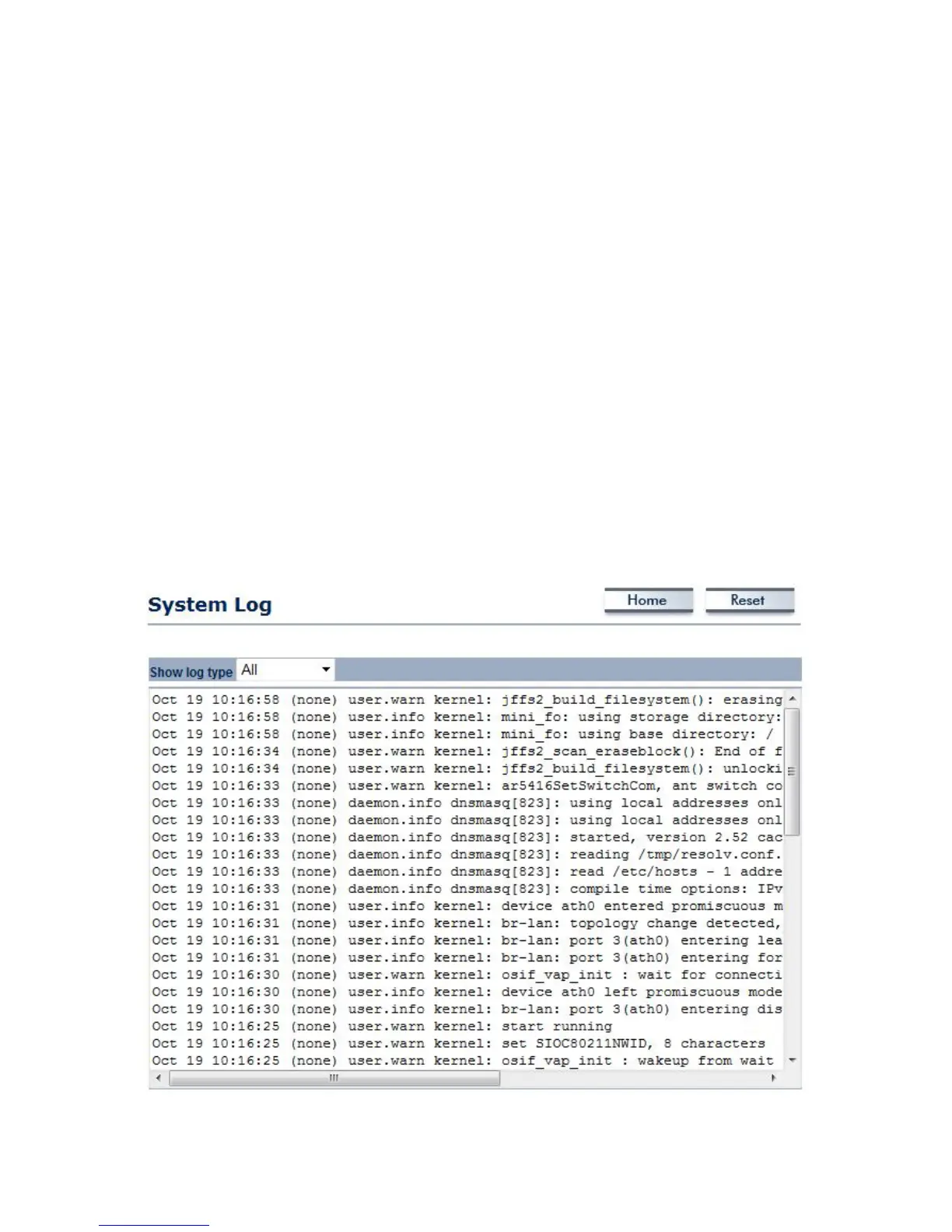
5.5 System Log
The System Log option of the Status section displays all actions and events taking place in the
ENH700EXT. Older entries are deleted for newer entries. This option is used to help users debug
the ENH700EXT.



 To Next Page