12
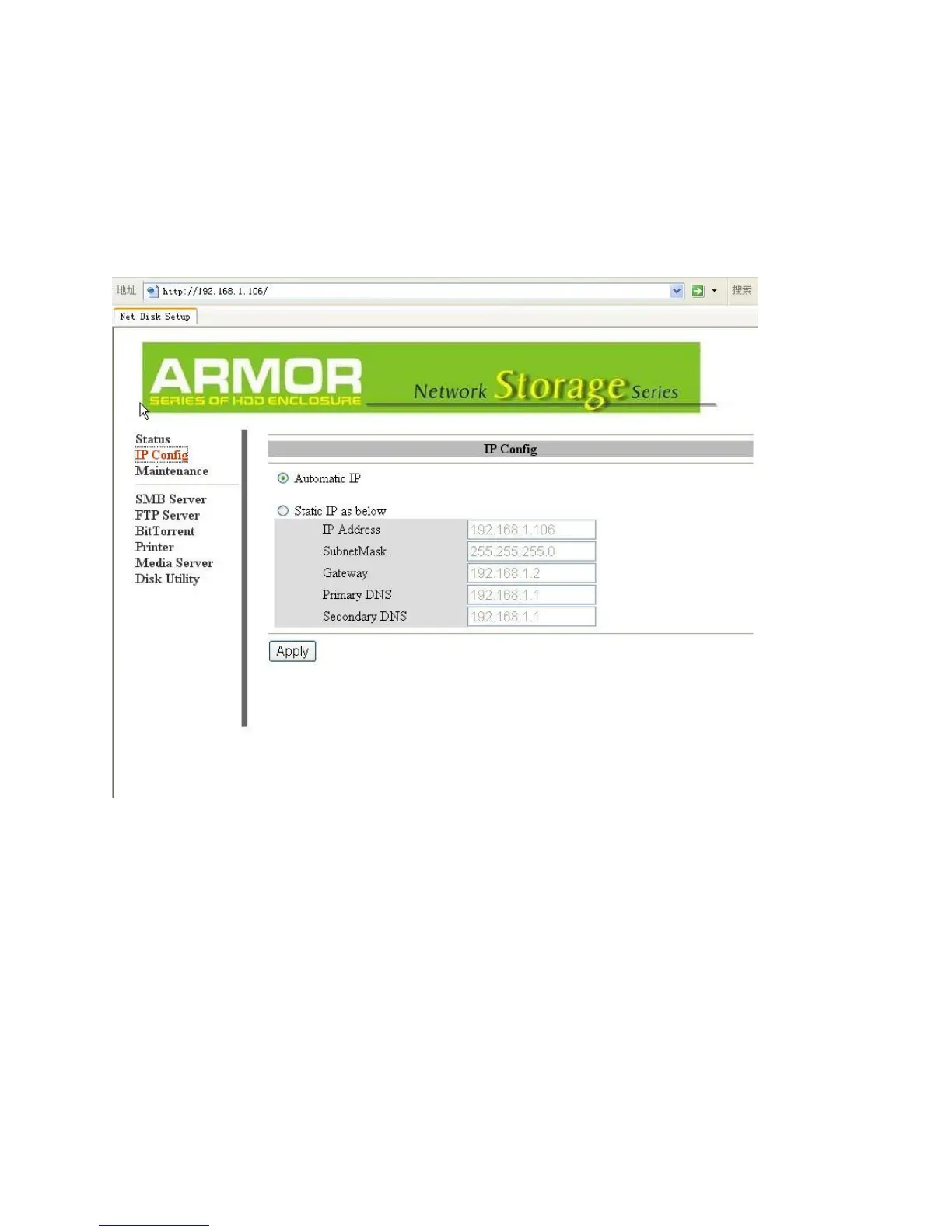
LanDrive IP Configuration
This menu allows you to perform advanced configuration of the LanDrive’s IP address.
Typically, you will not need to change this from “Automatic IP” unless you are a network
administrator with specific needs.
Auto IP – When the LanDrive boots up, it will automatically check for DHCP servers on the
network. If a DHCP server is active, the DHCP server will assign the LanDrive an address. If
a DHCP server is not active, the LanDrive will assign itself an address and act as its own
DHCP server.
Static IP – If necessary, you can set the LanDrive’s IP address manually. Your network
administrator will know what values to enter here.



 To Next Page