28
Folder List – A list of all the existing folders on the hard drive.
Sharing List – A list of all the existing folders on the Samba server.
If you want to share a folder, simply move it from the Folder List to the Sharing List.
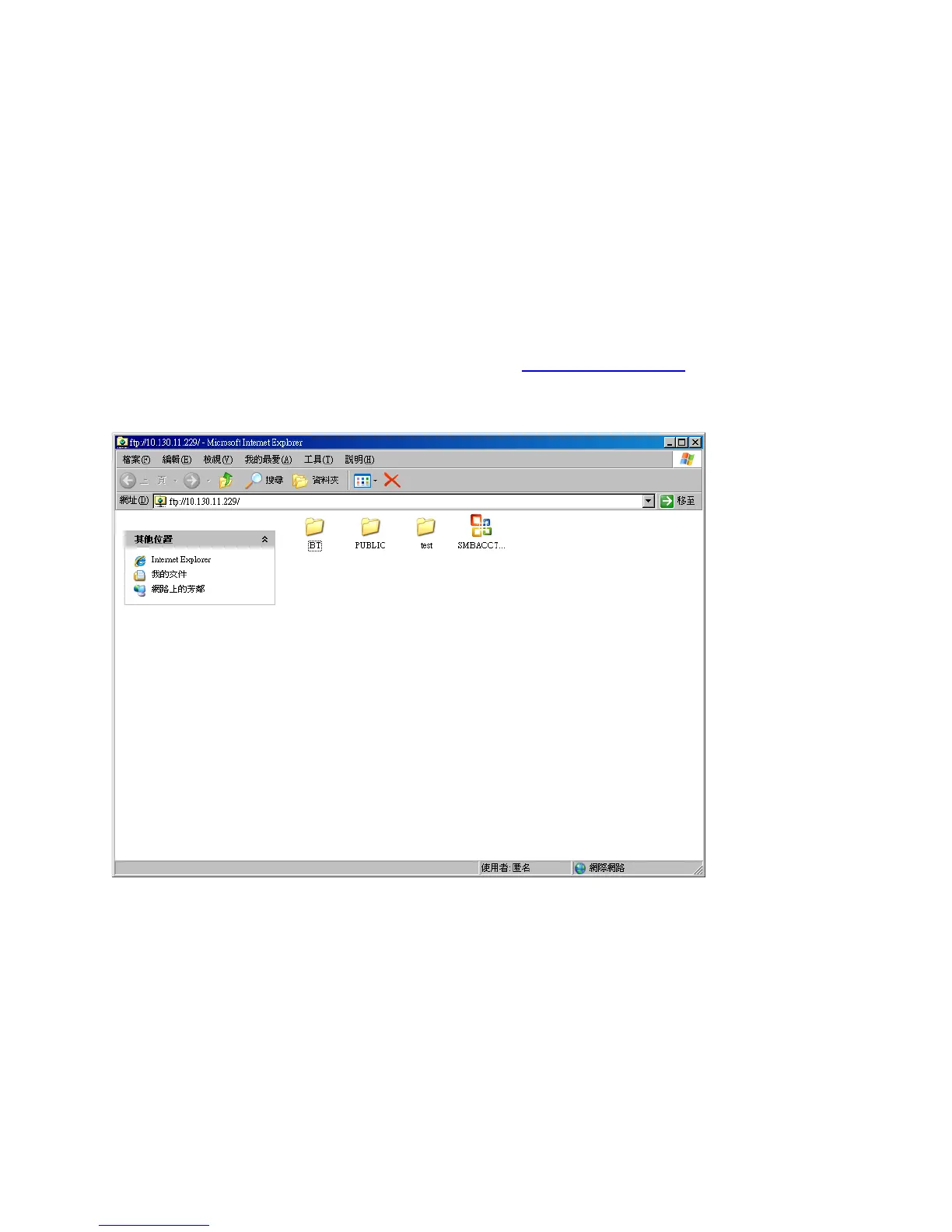
Connecting to FTP via Internet Explorer
Step 1 – Open Internet Explorer
Step 2 – In the address bar, type the following URL: ftp://10.130.xxx.xxx where the URL
reflects the IP Address of your LanDrive.
Step 3 – Internet Explorer will display a list of files and folders on the FTP server. To save a
file locally, right-click the file and select “Save Target As…”
Step 4 – Click the “Page” menu button on the right-hand side of the browser window and
select the option “Open FTP Site in Windows Explorer.” Now you can drag and drop files to
and from this window from other areas of your Desktop.



 To Next Page