19
Set your Workgroup name to match the Group name on the LanDrive’s configuration.
Follow any instructions from Windows (You may be instructed to insert your Windows CD
and/or reboot).
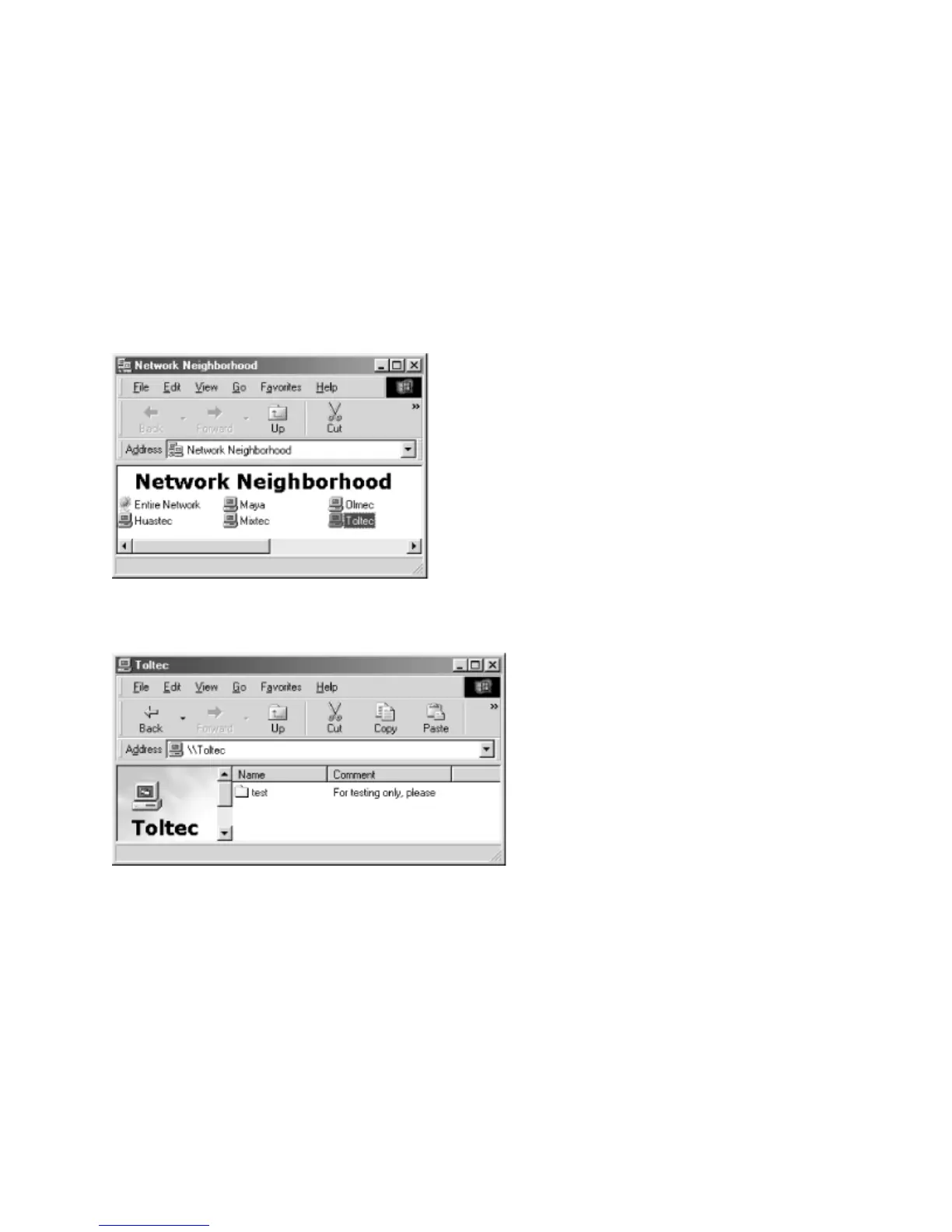
Accessing the Samba Server from Windows 95/98
Double-click the Network Neighborhood icon on the desktop. You should see your Samba
server listed as a member of the workgroup.
Double-click the server name to see the shared folders and printers.



 To Next Page