31
Print Server
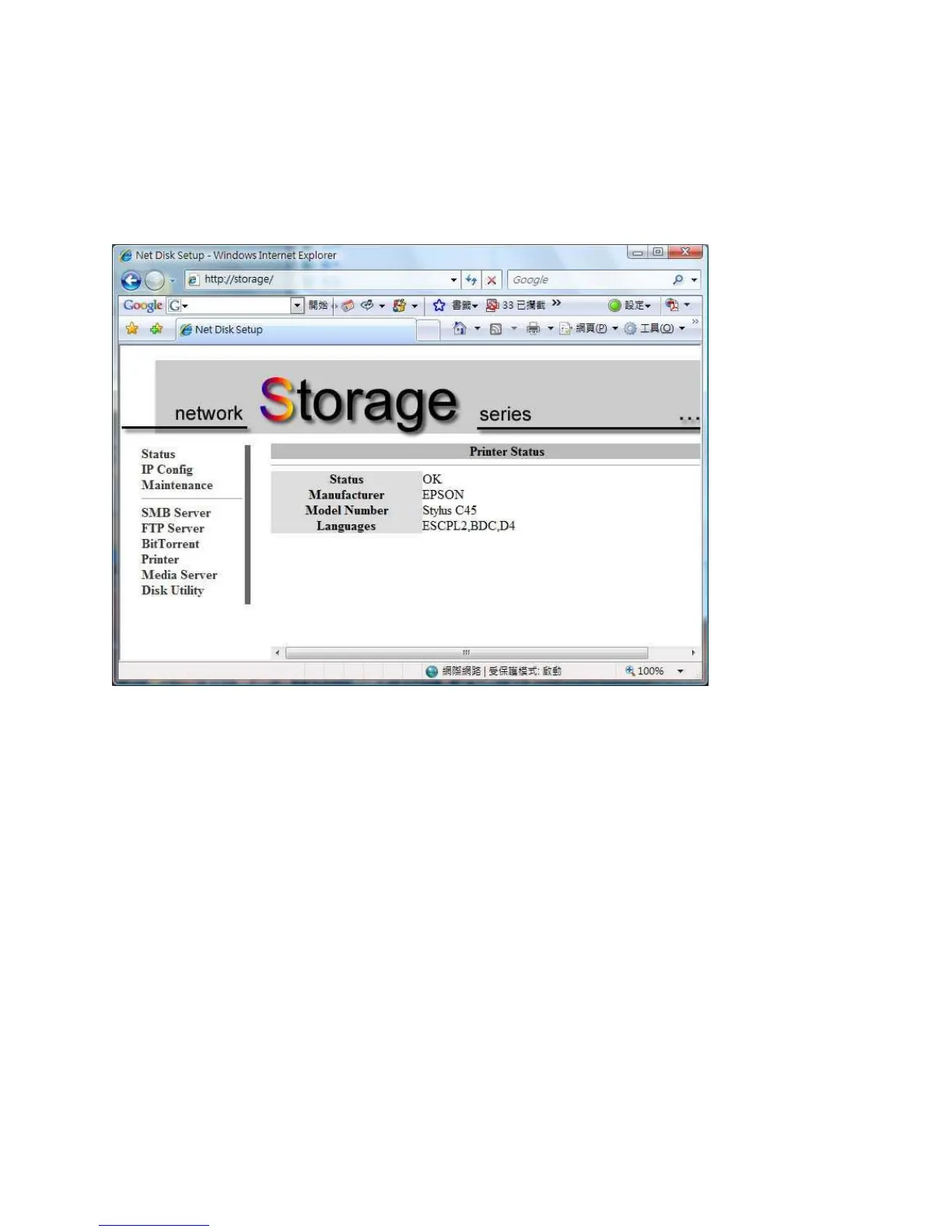
Your LanDrive can act as a Print Server, allowing you to print to your printer from any
computer in your house.
Step 1 – Plug the printer into your LanDrive via USB.
Step 2 – Ensure that Add Print Services is installed.
Step 3 – On your computer, click Start and select Printers and Faxes.
Step 4 – Under Printer Tasks, select Add a Printer and click Next.
Step 5 – Select “Local Printer attached to this computer.” Click Next.
Step 6 – Select the Create New Port radio button.
Step 7 – From the “Type of Port” drop-down list, choose “Standard TCP/IP Port.” Click
Next.



 To Next Page